Floral Garden Boat Email Background
Personalize This Email Background
 |
| Your text here |
 |
- Windows: press Win + .
- macOS: press Control + Command + Space
Fancy text is converted to a PNG when copied, so the selected font stays consistent in Gmail.
Personalize
Font Style
Font Color
Text Alignment
Text Direction
About the Floral Garden Boat Email Background
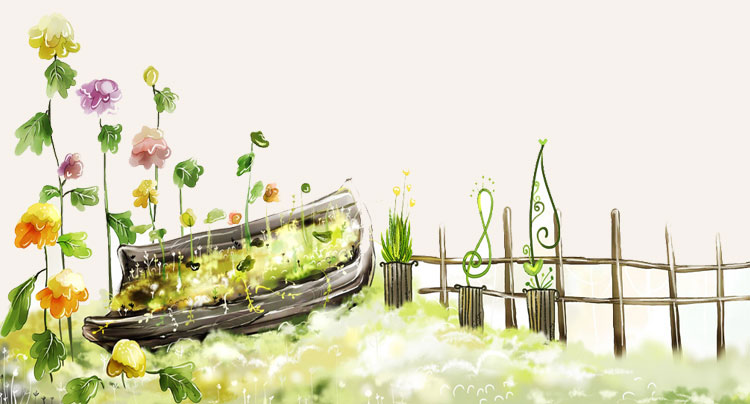
Floral Garden Boat Email Background A watercolor-style boat filled with greenery and flowers sits in a garden scene. Yellow, pink, and purple flowers grow tall beside it, with a wooden fence and green foliage. The soft cream background creates a gentle, natural feel.
Use this design for supportive get-well wishes and encouraging personal messages. Personalize this free email stationery with your own message, then adjust the font, color, size, and alignment to complement the artwork. When it is ready, copy and paste the finished background into Gmail, Outlook, or Yahoo Mail.
How to Use This Get Well Email Background in Gmail and Outlook
- Personalize the design with your message, font, color, size, and alignment.
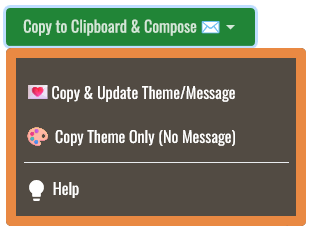
- Select Copy to Clipboard & Compose when your message is ready.
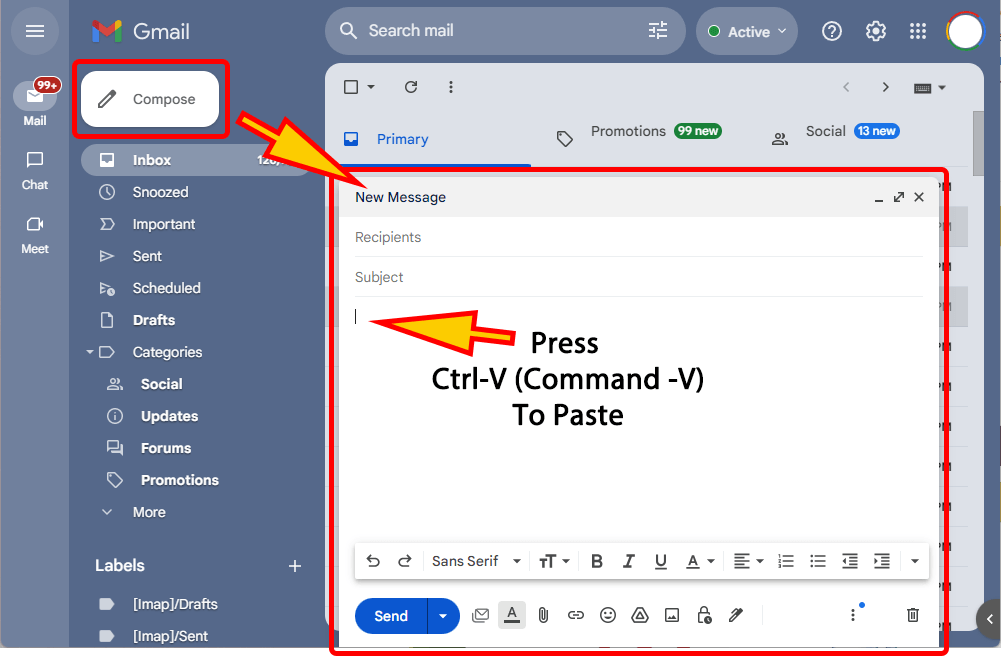
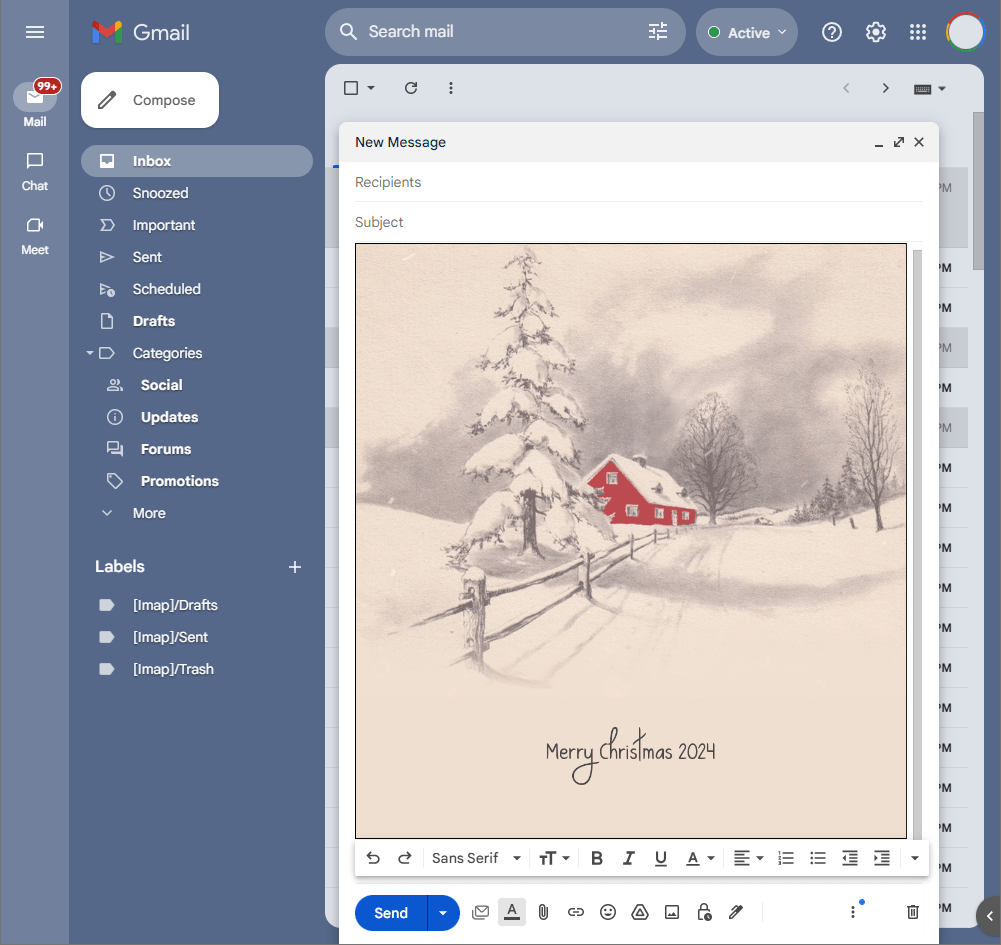
- Open a new message in Gmail, Outlook, Yahoo Mail, or another email service, then paste the completed email background into the message area.
Related Email Backgrounds
Two white ceramic vases hold pink and white gerbera daisies against a soft pink and white background.

Colorful tulips in green grass under a blue sky with white clouds. The illustration style is bright and naturalistic.
A chibi girl with blonde hair holds a bouquet of flowers, surrounded by golden stars on a light blue background with sparkling effects.

A yellow duckling with a pink flower stands on green grass under a light blue sky with fluffy clouds and sparkles.

A girl with red hair and orange flowers on a green field under a blue sky, a cheerful cartoon style with soft pastel colors.

An orange cartoon cat holding a purple umbrella on green grass with yellow flowers and bubbles against a yellow gradient background.

A yellow lab puppy holds a red rose in its mouth against a white background. The illustration is realistic with soft fur texture and natural lighting.

A caring get-well design with a colorful flower basket, envelope, hearts, and sparkling blue background.

 . This option does not save a message to My History.