Red Rose on Wood Love Email Stationery
Personalize This Email Background
 |
| Your text here |
 |
- Windows: press Win + .
- macOS: press Control + Command + Space
Fancy text is converted to a PNG when copied, so the selected font stays consistent in Gmail.
Personalize
Font Style
Font Color
Text Alignment
Text Direction
About the Beautiful Red Rose For You Email Background
Beautiful Red Rose For You Email Background One red rose lies across weathered gray planks while everything around it is drained to black and white, leaving only the bloom in color. This love email background is dramatic rather than sweet, so it suits a serious message rather than a light one.
Use this design for romantic notes, affectionate greetings, and messages for someone special. Make the design your own with a message and your preferred font, color, size, and alignment. Once complete, copy this free email background and paste it into a new message in Gmail, Outlook, or Yahoo Mail.
How to Use This Love Email Background in Gmail and Outlook
- Personalize the design with your message, font, color, size, and alignment.
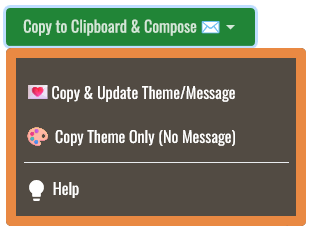
- Select Copy to Clipboard & Compose when your message is ready.
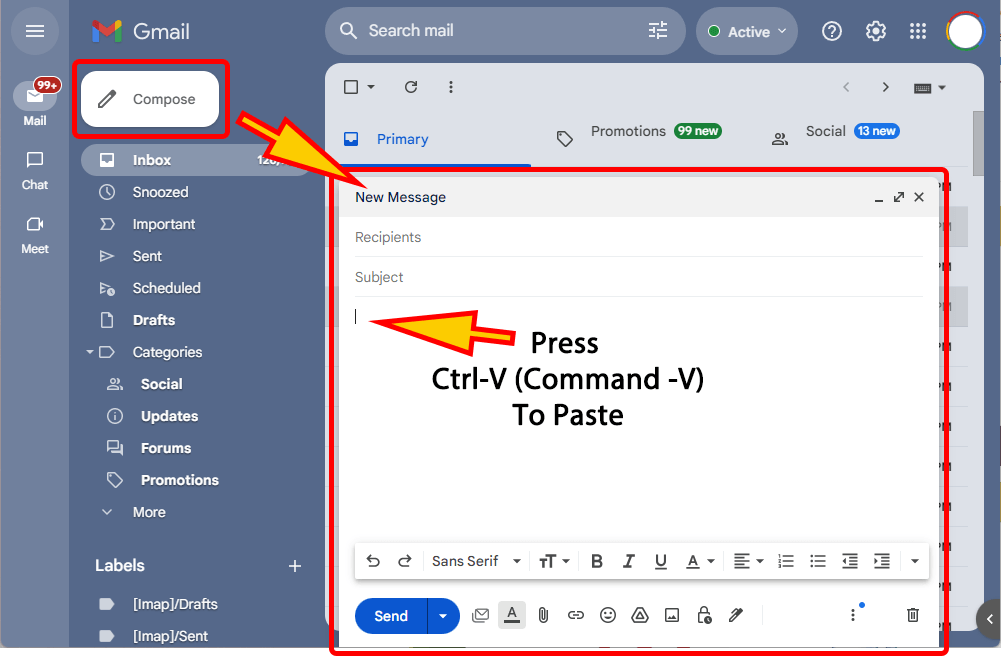
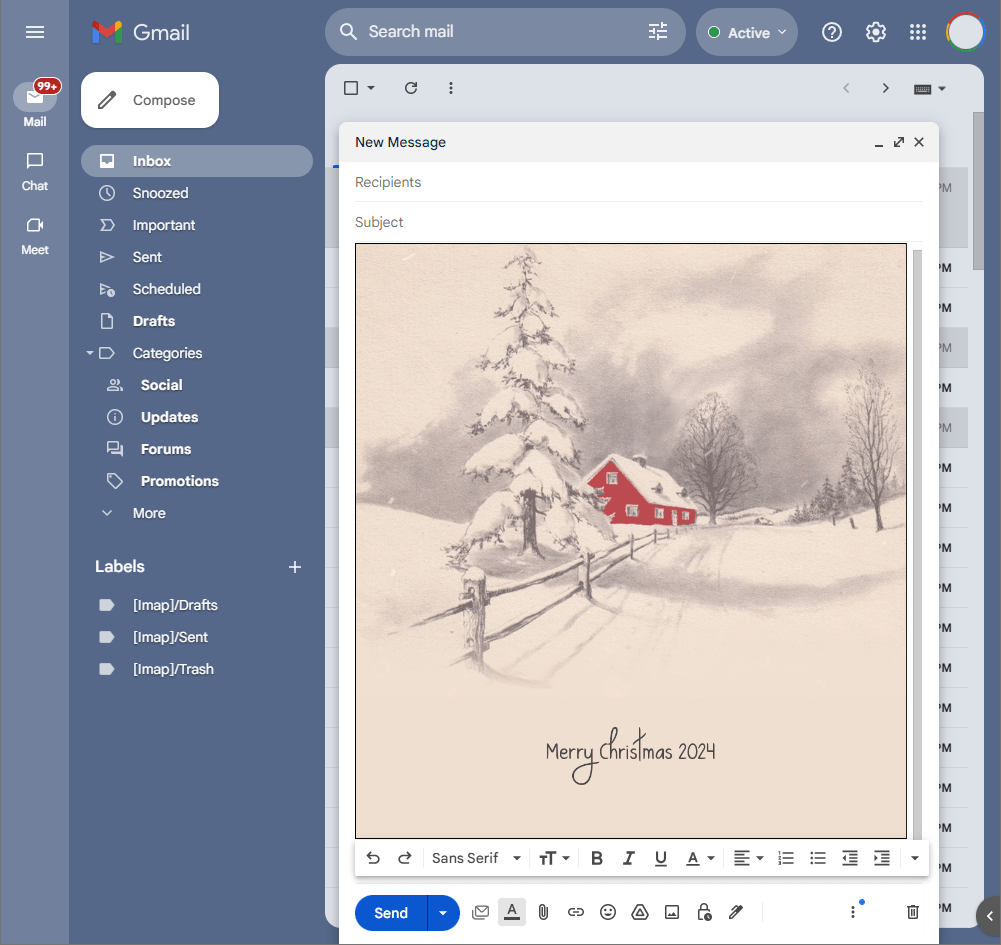
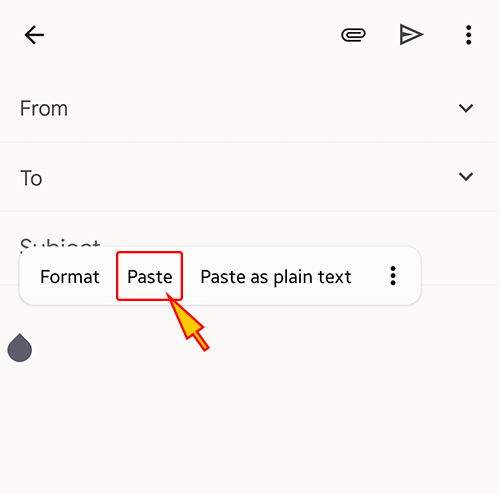
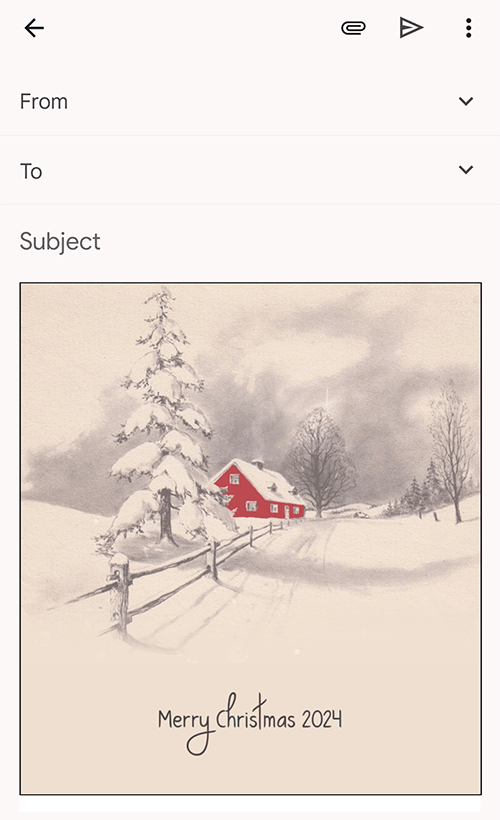
- Open a new message in Gmail, Outlook, Yahoo Mail, or another email service, then paste the completed email background into the message area.
Related Email Backgrounds





A girl with blue hair holds a large pink heart, surrounded by sparkles and a butterfly against a blue gradient background.

A 3D 'Love' text with glowing red swirls on a deep red gradient background, featuring a romantic illustration style.

A romantic angel and human embrace with glowing wings and flowing red robes against a fiery sunset sky in a fantasy style.

Two children sit together on a grassy hill watching a sunset over water, with a wooden cabin, autumn trees, and a tire swing visible.

 . This option does not save a message to My History.