Autumn Leaves Branch Email Background
Personalize This Email Background
 |
| Your text here |
 |
- Windows: press Win + .
- macOS: press Control + Command + Space
Fancy text is converted to a PNG when copied, so the selected font stays consistent in Gmail.
Personalize
Font Style
Font Color
Text Alignment
Text Direction
About the Autumn Leaves Branch Email Background
Autumn Leaves Branch Email Background A branch with golden-orange autumn leaves extends from the top right, set against a softly blurred background of warm yellow and green tones. The naturalistic illustration style captures the seasonal mood. This is an autumn-themed email background.
Use this design for calm personal notes, outdoor-themed messages, and everyday greetings. Add your own greeting and customize the font, color, size, and alignment to suit the design. You can then copy this free email stationery and paste the completed message into Gmail, Outlook, or Yahoo Mail.
How to Use This Nature Email Background in Gmail and Outlook
- Personalize the design with your message, font, color, size, and alignment.
- Select Copy to Clipboard & Compose when your message is ready.
- Open a new message in Gmail, Outlook, Yahoo Mail, or another email service, then paste the completed email background into the message area.
Related Email Backgrounds
An animated nature landscape with snow-capped mountains, evergreen forest, calm lake reflections, and cloudy sky.
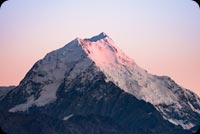
A snow-capped mountain peak bathed in pink and blue dawn light, with a clear sky background.
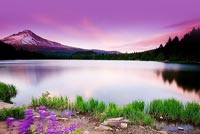
Animated: A calm lake reflects a snow-capped mountain under a purple sky, bordered by green grass and purple wildflowers.

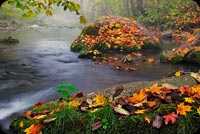
A misty river flows past mossy rocks covered in vibrant autumn leaves, with trees in soft greens and yellows framing the scene.
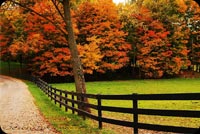
A winding path through a forest with trees displaying orange and red autumn leaves, a black wooden fence, and a green lawn under a bright sky.
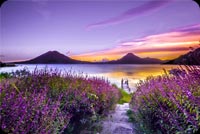
A winding path through vibrant purple flowers leads to a lake with mountains under a purple sunset sky.
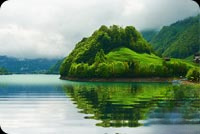
A lush green mountain rises from a calm emerald lake, with its slopes and clouds mirrored in the water.


 . This option does not save a message to My History.