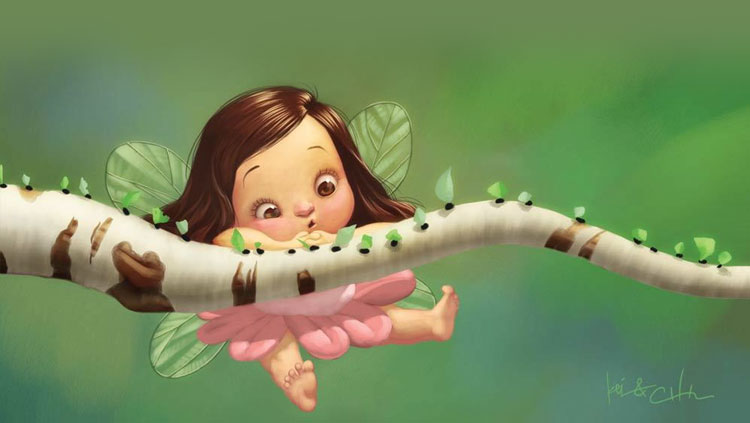
Baby Fairy on Birch Branch Email Background
Personalize This Email Background
 |
| Your text here |
 |
- Windows: press Win + .
- macOS: press Control + Command + Space
Fancy text is converted to a PNG when copied, so the selected font stays consistent in Gmail.
Personalize
Font Style
Font Color
Text Alignment
Text Direction
About the Baby Fairy on Birch Branch Email Background
Baby Fairy on Birch Branch Email Background gives a new baby message a sweet storybook setting with a fairy child on a birch branch, pink dress, delicate wings, and green forest glow.
Use this design for new baby congratulations, shower invitations, and family announcements. Add your own greeting and customize the font, color, size, and alignment to suit the design. You can then copy this free email stationery and paste the completed message into Gmail, Outlook, or Yahoo Mail.
How to Use This New Baby Email Background in Gmail and Outlook
- Personalize the design with your message, font, color, size, and alignment.
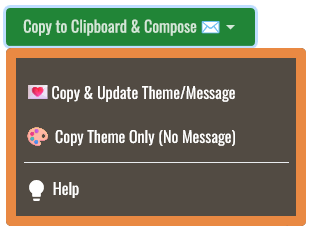
- Select Copy to Clipboard & Compose when your message is ready.
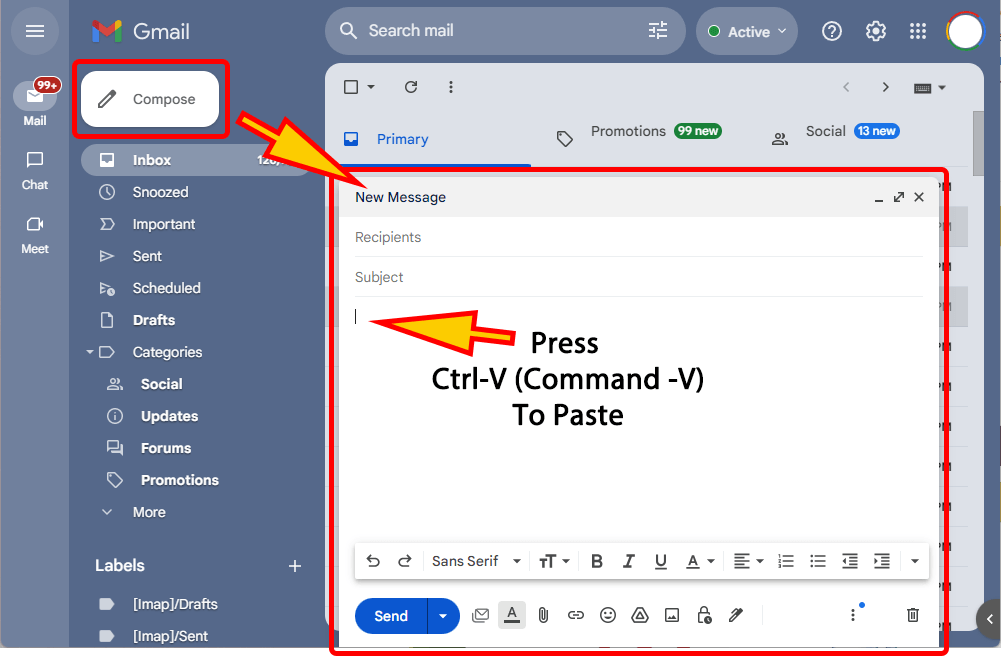
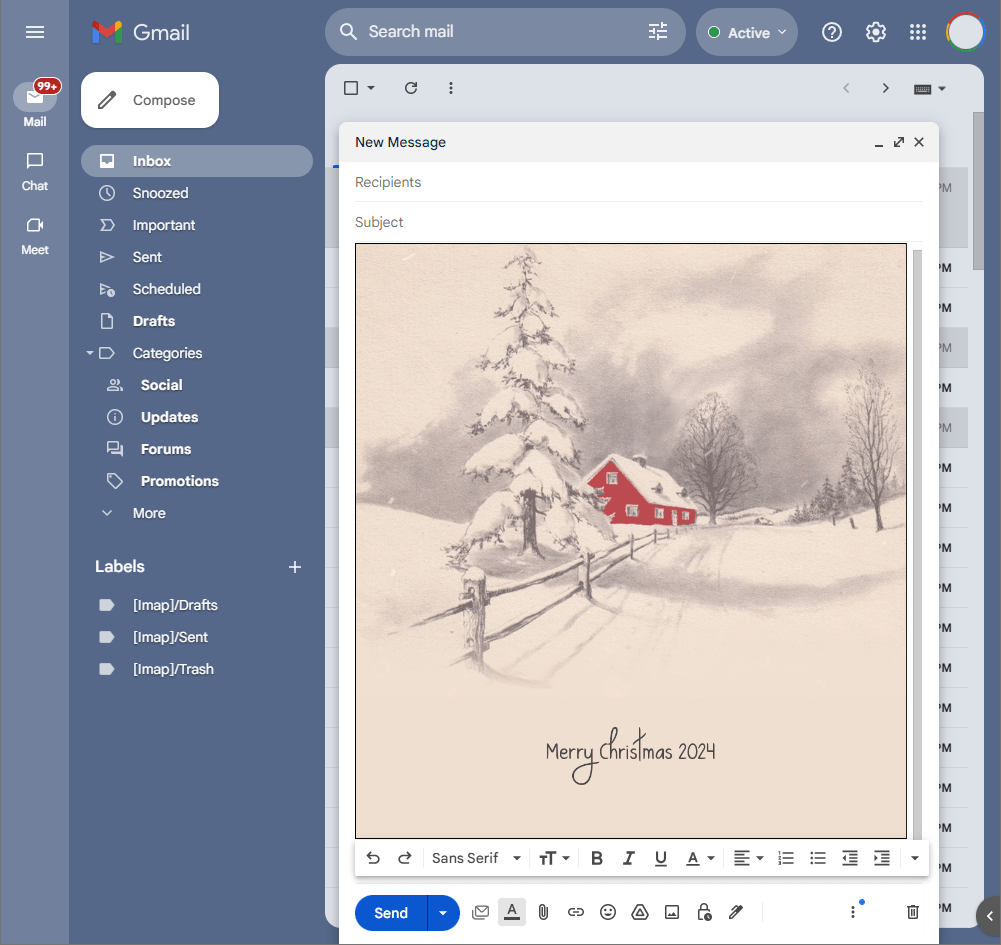
- Open a new message in Gmail, Outlook, Yahoo Mail, or another email service, then paste the completed email background into the message area.
Related Email Backgrounds

Baby shoes and a teddy bear hang on a clothesline against a blue sky with white clouds, using pastel colors and soft illustration style.
A girl in a pink dress rides a white rocking horse with red and orange stripes against a light blue sky with clouds and floating hearts.
Two babies in pink baskets with bunny ears and roses on a soft pink background. Pastel tones and cute illustration style.

A brown teddy bear with pink cheeks sits beside a red toy car and a blue ball on a green background.

A yellow baby carriage with bottles and bubbles on a light blue background with sparkling effects.
A sleeping baby in a pink polka-dot tub against a purple background with stars and sparkles.
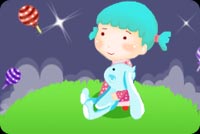
A baby girl with blue hair sits on a green hill under a starry blue sky, with colorful balloons floating nearby in a playful cartoon style.
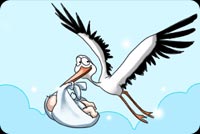
A cartoon stork with black and white feathers carries a swaddled baby against a light blue sky with fluffy clouds and sparkles.
 . This option does not save a message to My History.