Yellow Giraffe with Lollipops Email Background
Personalize This Email Background
 |
| Your text here |
 |
- Windows: press Win + .
- macOS: press Control + Command + Space
Fancy text is converted to a PNG when copied, so the selected font stays consistent in Gmail.
Personalize
Font Style
Font Color
Text Alignment
Text Direction
About the Yellow Giraffe with Lollipops Email Background
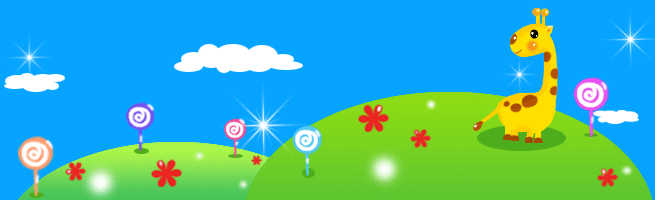
Yellow Giraffe with Lollipops Email Background A yellow giraffe with brown spots stands on a green hill with red flowers and colorful lollipops against a bright blue sky with white clouds. The playful email background uses vibrant colors and a cartoon illustration style.
Use this design for friendly notes, animal-themed greetings, or messages for pet lovers. Personalize this free email stationery with your own message, then adjust the font, color, size, and alignment to complement the artwork. When it is ready, copy and paste the finished background into Gmail, Outlook, or Yahoo Mail.
How to Use This Animals Email Background in Gmail and Outlook
- Personalize the design with your message, font, color, size, and alignment.
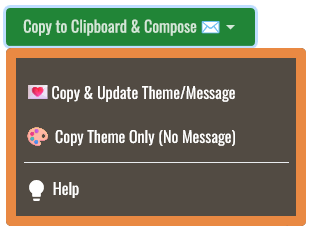
- Select Copy to Clipboard & Compose when your message is ready.
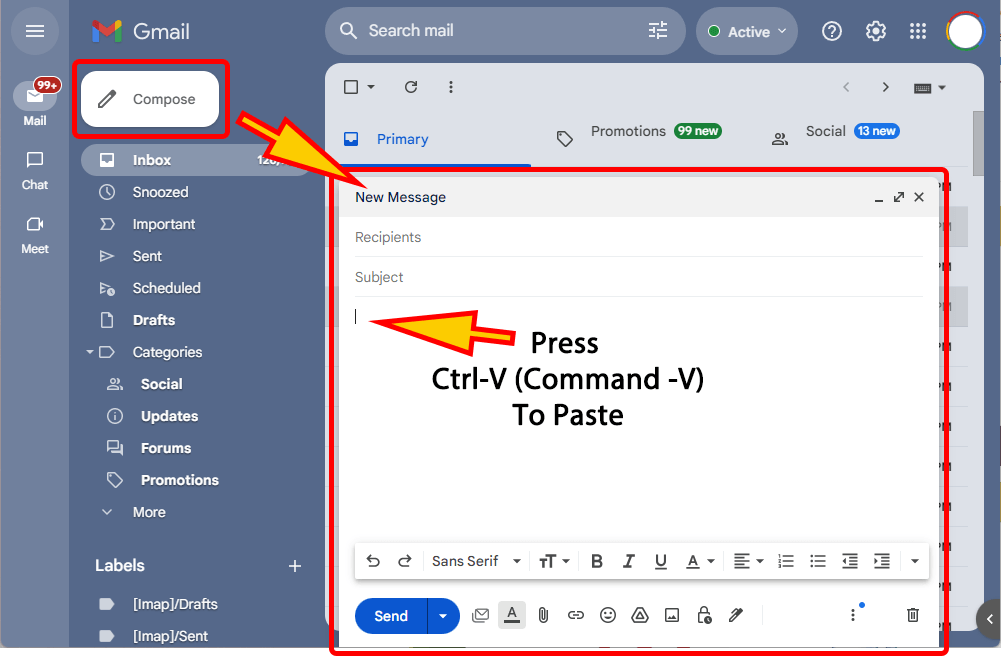
- Open a new message in Gmail, Outlook, Yahoo Mail, or another email service, then paste the completed email background into the message area.
Related Email Backgrounds

Two white swans form a heart shape on calm water under soft golden light, with misty reflections enhancing the serene mood.
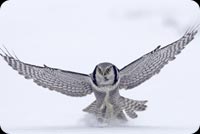
A Boreal Owl with gray and white feathers lands in snow, wings spread wide against a white background.
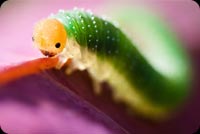
A green caterpillar with an orange head crawls on a purple flower petal. The background is a gradient of purple and pink with a macro photography style.

A pink piggy bank with rosy cheeks sits against a soft pink background with a cartoon illustration style.

Five horses, including one black and four white, run along a beach with ocean and sky in the background. Realistic style with natural colors and motion blur.

A cozy scene with a sleepy kitten curled on an acoustic guitar in warm golden light.

A fluffy kitten with bright blue eyes peeks from inside denim fabric, set against a soft gradient background.

A sleeping brown puppy with closed eyes rests on a white textured surface. The illustration uses soft, warm tones and a gentle, calm style.

 . This option does not save a message to My History.