Green Shamrock Hat Email Background
Personalize This Email Background
 |
| Your text here |
 |
- Windows: press Win + .
- macOS: press Control + Command + Space
Fancy text is converted to a PNG when copied, so the selected font stays consistent in Gmail.
Personalize
Font Style
Font Color
Text Alignment
Text Direction
About the Green Shamrock Hat Email Background
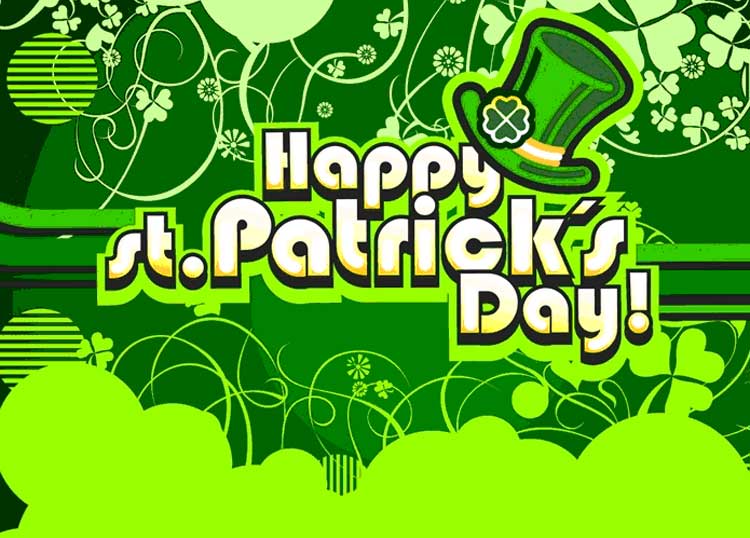
Green Shamrock Hat Email Background A green leprechaun hat with a four-leaf clover emblem sits above stylized text on a green background with swirling shamrocks and decorative patterns. The illustration uses bold outlines and bright green hues. The design is festive and celebratory.
Use this design for St. Patrick's Day wishes, party invitations, and lucky greetings. Make the design your own with a message and your preferred font, color, size, and alignment. Once complete, copy this free email background and paste it into a new message in Gmail, Outlook, or Yahoo Mail.
How to Use This St. Patrick's Day Email Background in Gmail and Outlook
- Personalize the design with your message, font, color, size, and alignment.
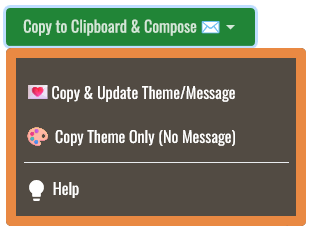
- Select Copy to Clipboard & Compose when your message is ready.
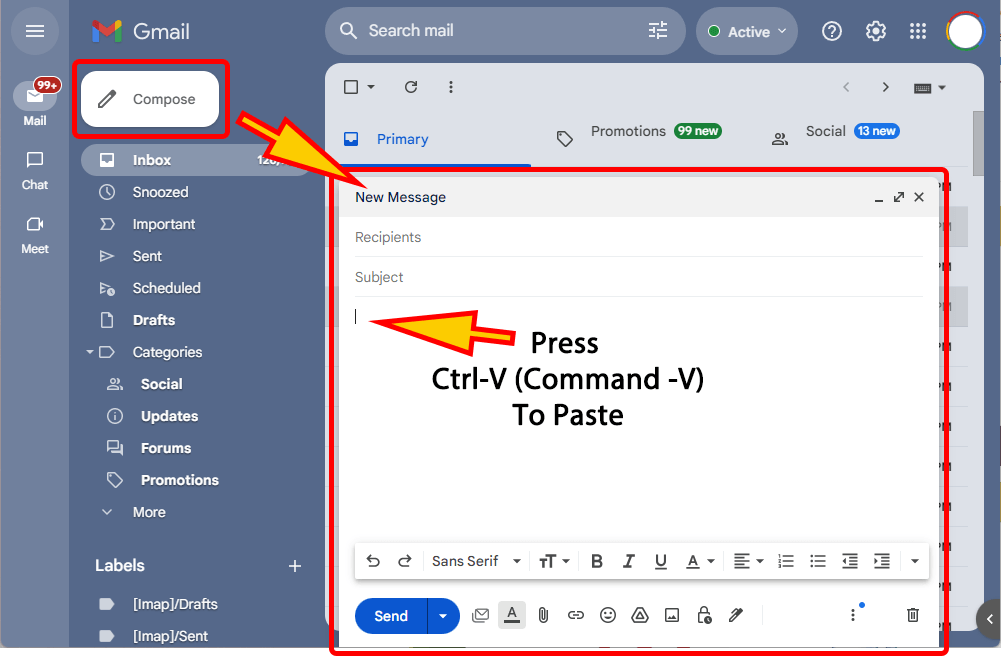
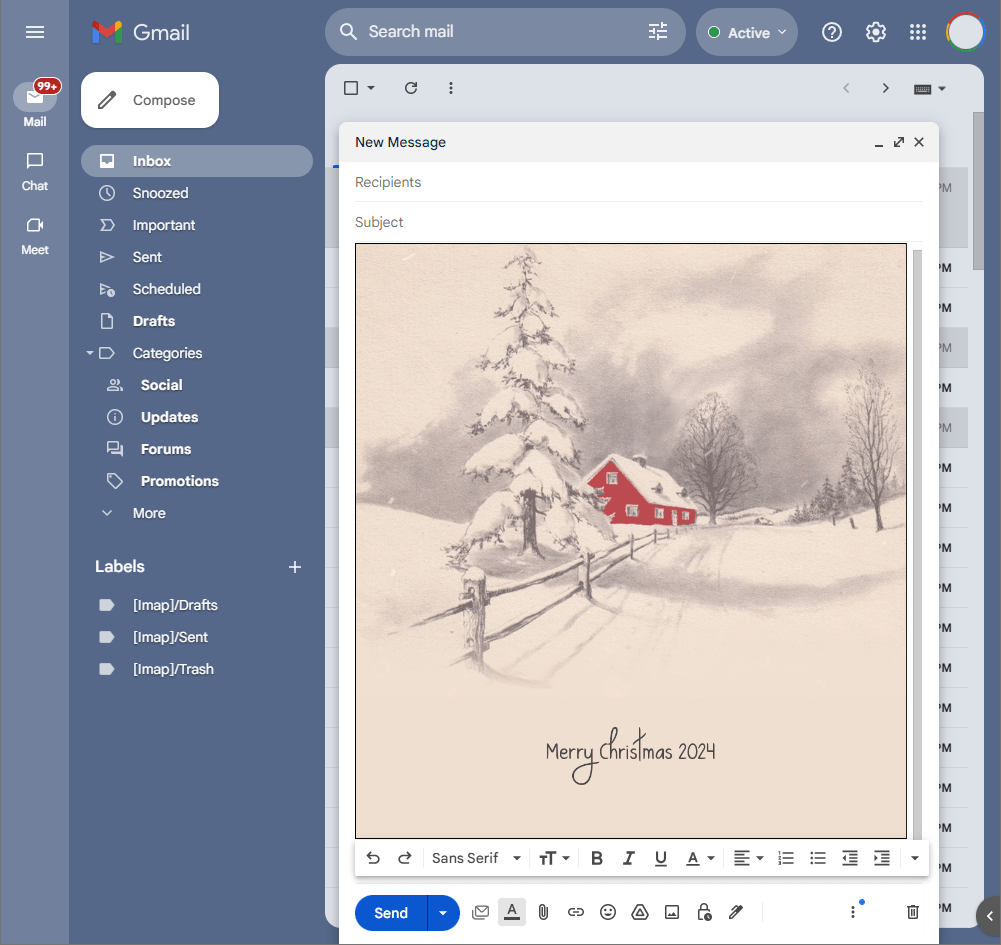
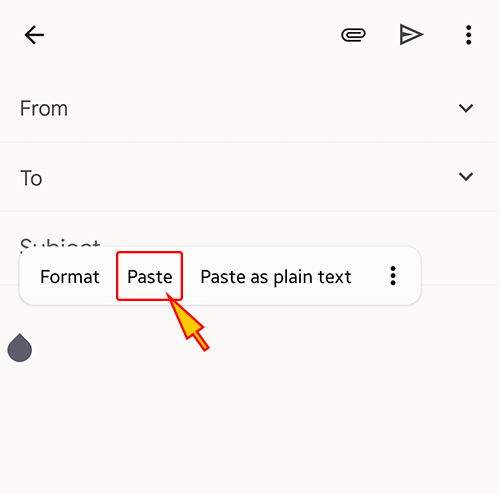
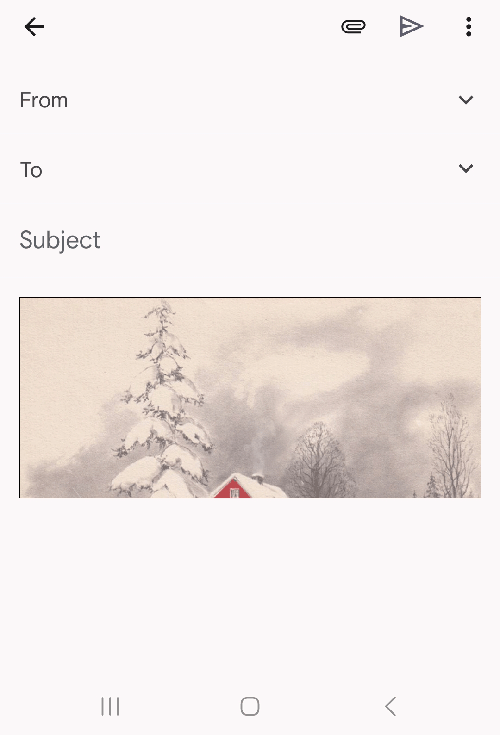
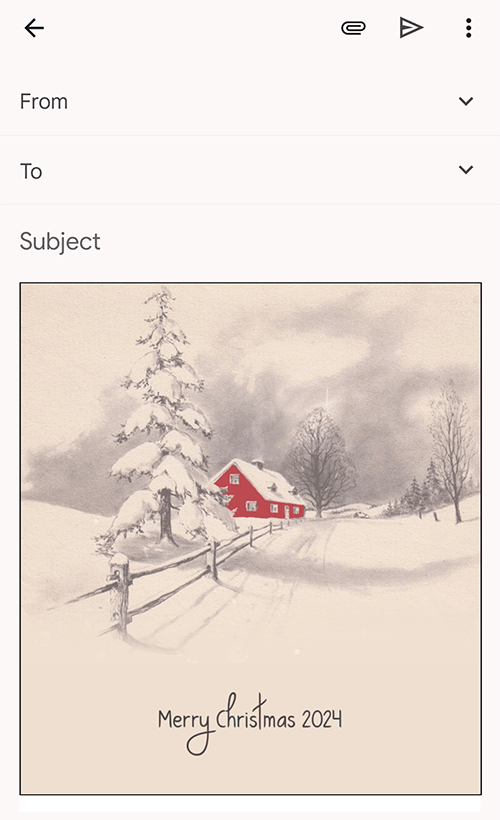
- Open a new message in Gmail, Outlook, Yahoo Mail, or another email service, then paste the completed email background into the message area.
Related Email Backgrounds

A green shamrock clover with swirling patterns on a textured green background, featuring elegant cursive text.

A black pot overflowing with gold coins and shamrocks rests on green grass under a radiant green sunburst.

A vibrant green shamrock background with yellow flowers and decorative swirls for St. Patrick's Day.
A cartoon leprechaun in green attire holds a pot of gold under a colorful rainbow against a light blue sky with clouds.

A green-themed email background with a cartoon leprechaun, pot of gold, and shamrocks for St. Patrick's Day.
A playful St. Patrick’s Day scene with running leprechaun, whimsical red racer, rainbow, and green stripe.

A large green four-leaf clover with a leprechaun hat and text on a dark green background.

A green pot of gold coins, a leprechaun hat, and a shamrock on a dark green background with festive text.
 . This option does not save a message to My History.