Christmas Steam Train and Snowman Email Background
Personalize This Email Background
 |
| Your text here |
 |
- Windows: press Win + .
- macOS: press Control + Command + Space
Fancy text is converted to a PNG when copied, so the selected font stays consistent in Gmail.
Personalize
Font Style
Font Color
Text Alignment
Text Direction
About the Christmas Steam Train and Snowman in Snowy Village Email Background
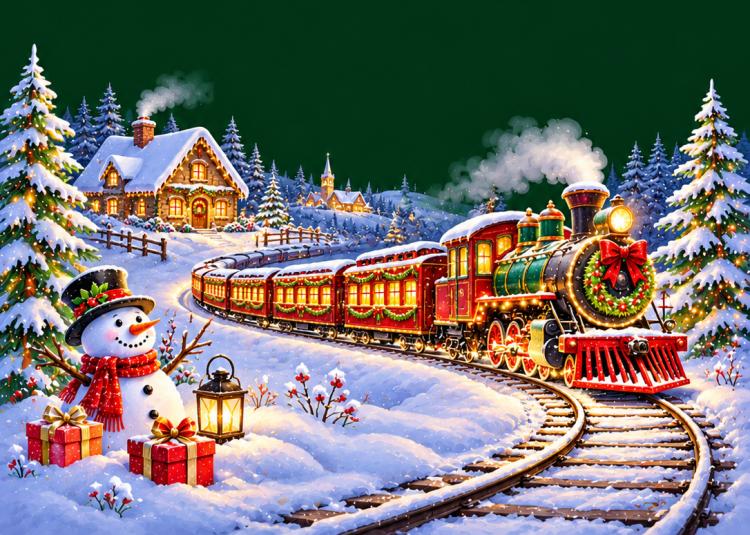
Celebrate the magic of the holiday season with this beautiful Christmas Steam Train and Snowman Email Background. Featuring a magnificent vintage Christmas locomotive, a cheerful snowman, cozy snow-covered cottages, and sparkling holiday decorations, this festive email stationery creates an enchanting winter wonderland for personalized Christmas greetings.
The decorative upper border showcases lush evergreen pine branches covered with fresh white snow, glossy red winter berries, natural pinecones, and warm golden Christmas lights. A luxurious red satin ribbon bow with gold trim hangs at the center, accompanied by two beautiful golden Christmas bells. The festive greenery creates an elegant holiday frame against the rich dark green background.
The lower section features a beautifully decorated vintage steam locomotive traveling along curved railway tracks through a peaceful snowy countryside. The classic green and red engine features glowing golden headlights, an elegant Christmas wreath with a red bow, and festive holiday decorations. A long line of warmly illuminated passenger carriages follows the locomotive through the winter landscape.
Soft clouds of steam rise from the locomotive chimney, adding nostalgic railway charm to the festive scene. Snow-covered evergreen forests, illuminated Christmas trees, and cozy cottages with glowing windows create a magical winter village atmosphere. A rustic wooden fence and distant village buildings complete the picturesque countryside setting.
In the lower left corner, a cheerful snowman wearing a black top hat and a festive red scarf stands beside beautifully wrapped Christmas presents and a glowing lantern. Bright red winter berries and snowy pine branches add traditional holiday charm to the welcoming scene.
The combination of vintage Christmas railway imagery, festive evergreen garlands, glowing lanterns, and peaceful snowy scenery creates a nostalgic Christmas atmosphere. The detailed holiday illustration captures the excitement of a traditional Christmas train journey through a magical winter village.
The spacious dark green center provides plenty of room for writing personalized Merry Christmas wishes, heartfelt holiday greetings, family letters, Christmas invitations, and seasonal announcements. White, cream, or light-colored text contrasts beautifully against the deep green background, keeping your Christmas message clear and easy to read.
This free Christmas email background is perfect for sharing warm holiday wishes with family, friends, children, coworkers, customers, and loved ones. Its charming combination of a vintage steam train, cheerful snowman, and snowy Christmas village makes it especially suitable for traditional Christmas letters, family holiday newsletters, festive invitations, and seasonal greetings.
Whether you are sending heartfelt Christmas wishes, celebrating the wonder of holiday travel, or sharing a thoughtful winter message, this Christmas train email stationery adds nostalgic railway charm, festive warmth, and magical winter beauty to every email.
Explore more free Christmas email backgrounds, vintage Christmas train stationery, snowman email backgrounds, snowy winter village designs, and beautiful holiday email stationery at EmailBackgrounds.com.
How to Use This Christmas Email Background in Gmail and Outlook
- Personalize the design with your message, font, color, size, and alignment.
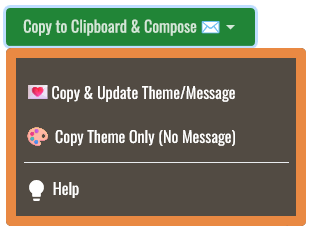
- Select Copy to Clipboard & Compose when your message is ready.
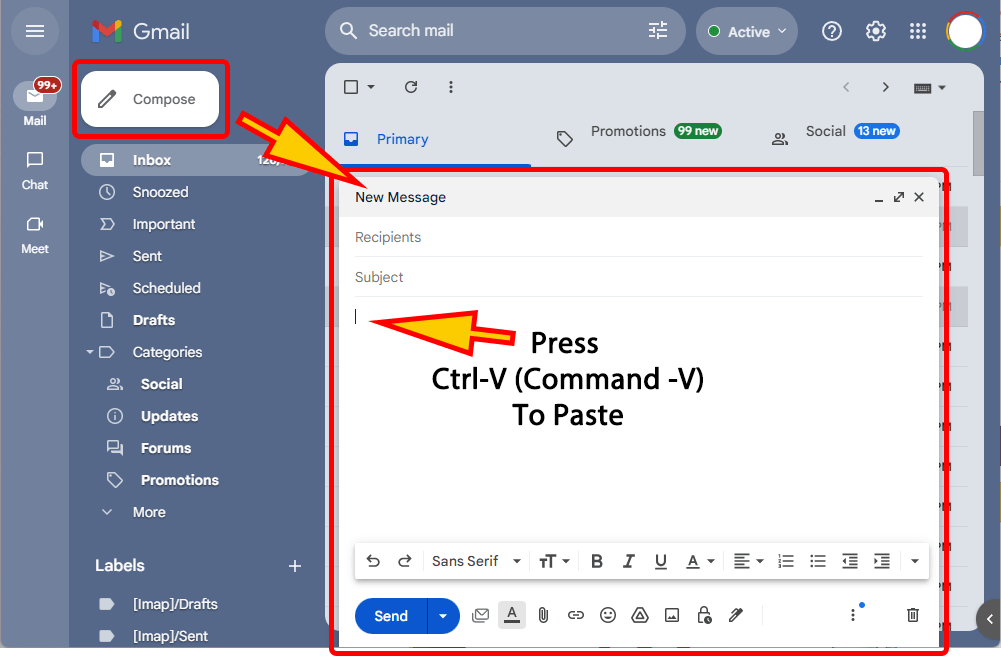
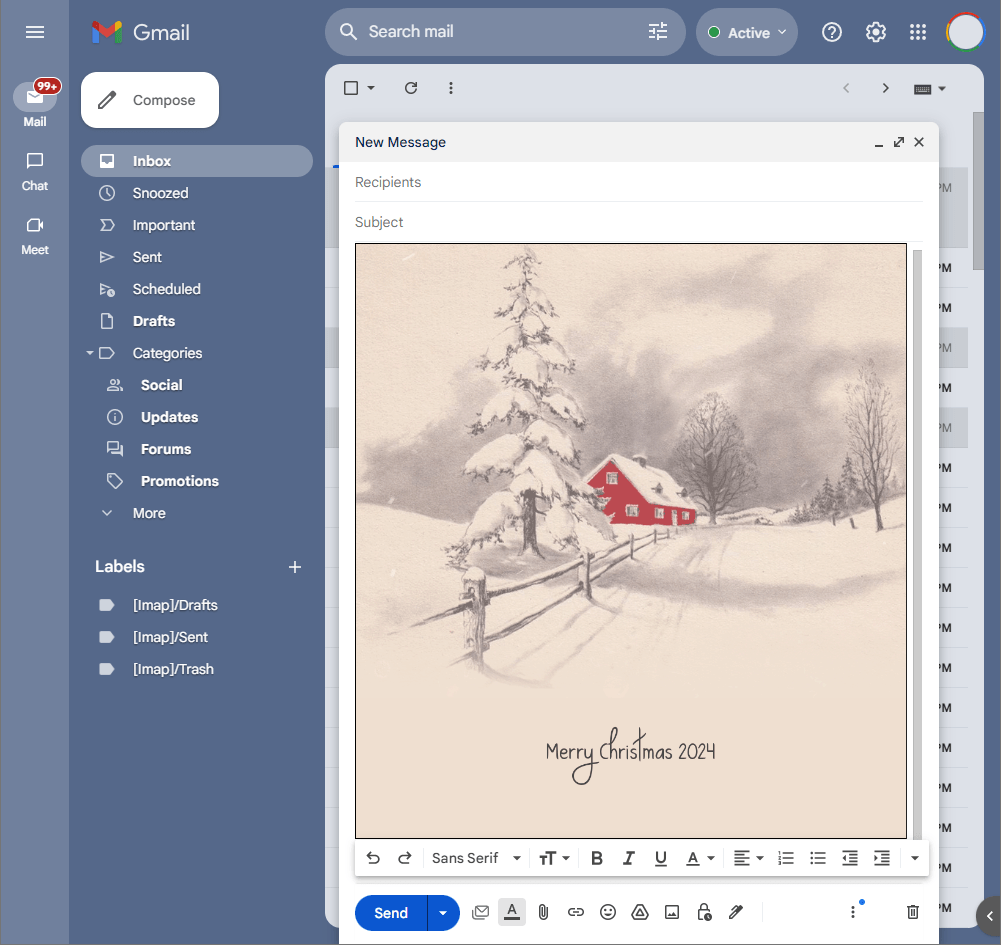
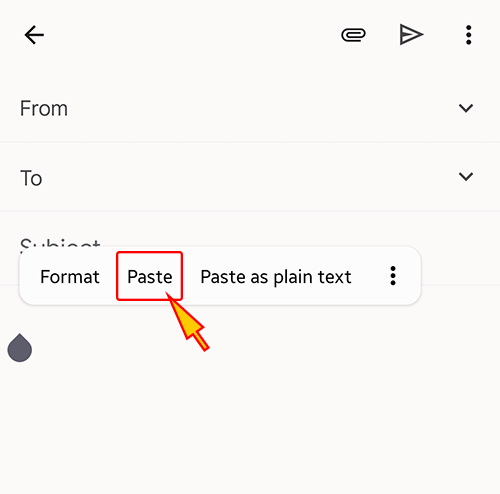
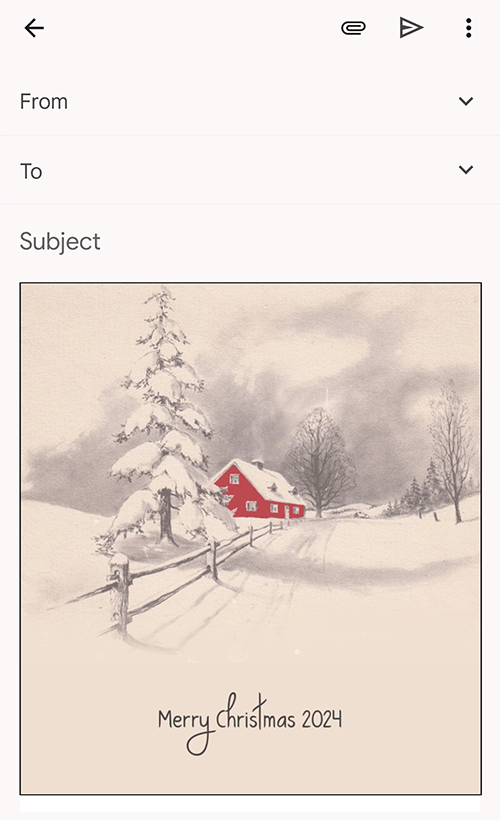
- Open a new message in Gmail, Outlook, Yahoo Mail, or another email service, then paste the completed email background into the message area.
Related Email Backgrounds

A magical animated Christmas email background featuring falling snow, a cozy winter cottage, cheerful snowman, flying red cardinal, and gently flowing winter stream.

A festive animated Christmas email background featuring a cheerful waving Santa Claus, snowy pine branches, sparkling ornaments, delicate snowflakes, and a vibrant red backdrop.

A festive animated Christmas email background featuring cheerful Santa Claus with glasses, twinkling golden lights, red poinsettias, elegant ribbons, and beautiful evergreen garlands.

A beautiful animated Christmas email background featuring elegant red ribbons, evergreen pine branches, festive berries, and classic holiday decorations framing a warm cream center.

A fun animated Christmas email background featuring upside down Santa Claus, colorful glowing lights, snowy evergreen trees, festive poinsettias, and cheerful winter decorations.

A festive animated Christmas email background featuring a cheerful snowman, elegant red ribbon, snowy pine branches, glowing lantern, colorful gifts, and peaceful winter scenery.

A festive animated Christmas email background featuring a sparkling Christmas tree, cheerful snowman, glowing holiday lights, wrapped gifts, red ribbons, and a snowy winter cottage.

A cheerful animated Christmas email background featuring Santa Claus with presents, twinkling golden lights, elegant red ribbons, festive ornaments, and rich evergreen decorations.
 . This option does not save a message to My History.