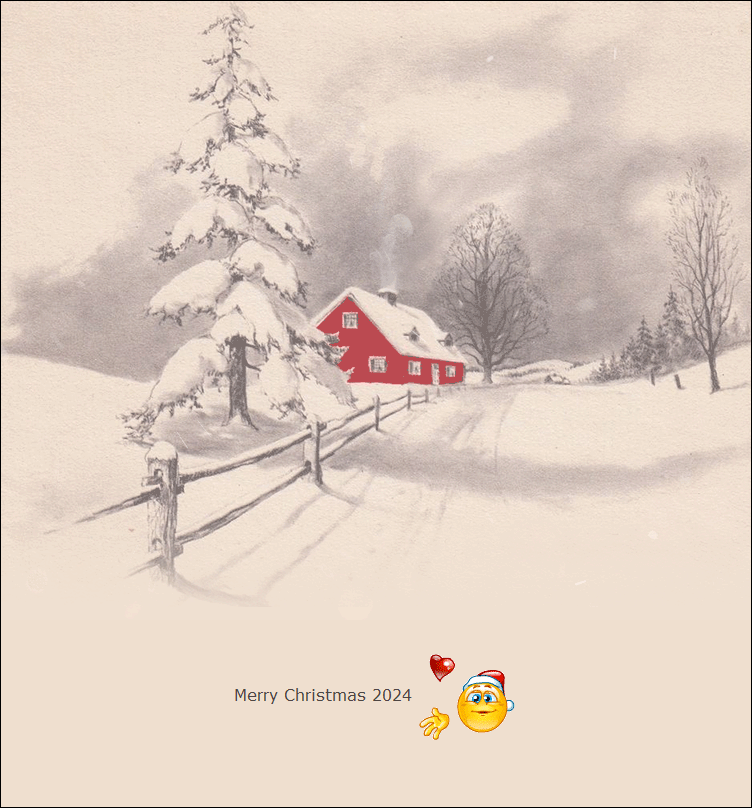
Animated Christmas Red Ribbon and Evergreen Pine Email Background
Personalize This Email Background
 |
| Your text here |
 |
- Windows: press Win + .
- macOS: press Control + Command + Space
Fancy text is converted to a PNG when copied, so the selected font stays consistent in Gmail.
Personalize
Font Style
Font Color
Text Alignment
Text Direction
About the Animated Christmas Red Ribbon and Evergreen Pine Border Email Background
Bring classic holiday charm to your messages with this Animated Christmas Red Ribbon and Evergreen Pine Email Background. This elegant Christmas GIF email stationery features bright red bows, lush green pine branches, and festive red berries arranged in a beautiful top and bottom border.
The design creates a timeless Christmas frame with rich red ribbon accents and fresh evergreen details that give your email a warm seasonal look. The soft cream-colored center provides plenty of open space for personalized Christmas greetings, holiday wishes, seasonal announcements, and festive messages.
This free animated Christmas email background is perfect for sending Merry Christmas wishes to family, friends, coworkers, and loved ones. Its traditional red and green color palette makes it ideal for both personal holiday greetings and elegant business Christmas correspondence.
Use this beautiful animated Christmas email stationery to add festive style and visual appeal to your holiday emails while keeping your message clear and easy to read.
Discover more free animated Christmas email backgrounds, festive GIF email stationery, and seasonal holiday designs at EmailBackgrounds.com.
How to Use This Christmas Email Background in Gmail and Outlook
- Personalize the design with your message, font, color, size, and alignment.
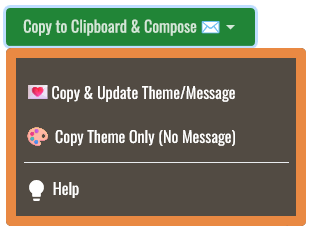
- Select Copy to Clipboard & Compose when your message is ready.
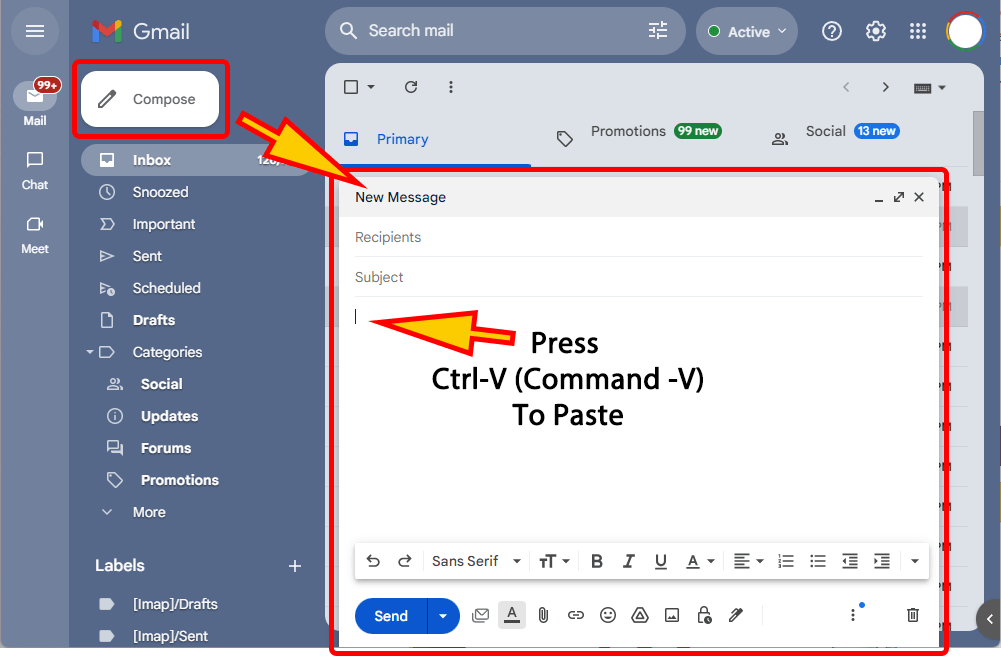
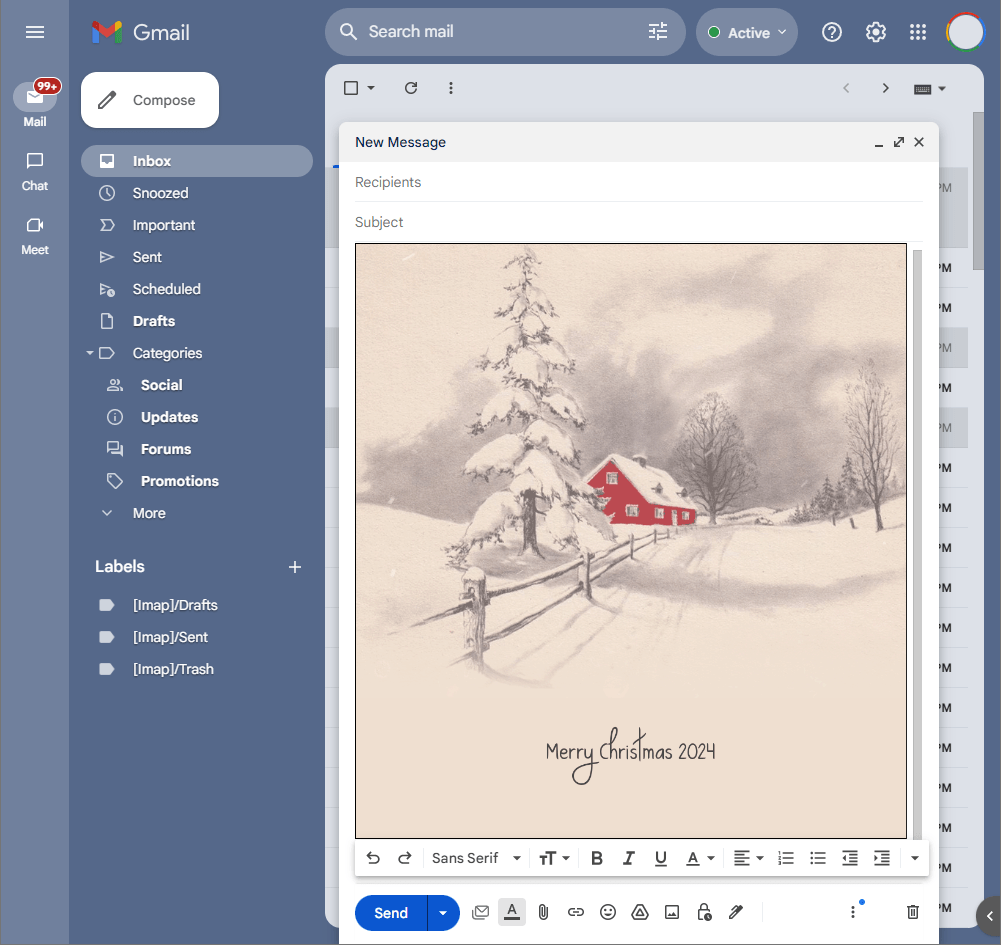
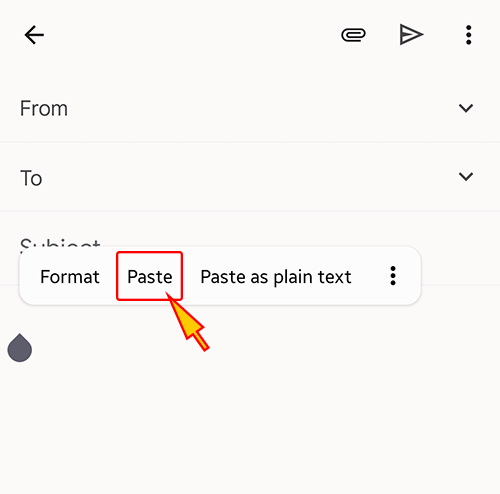
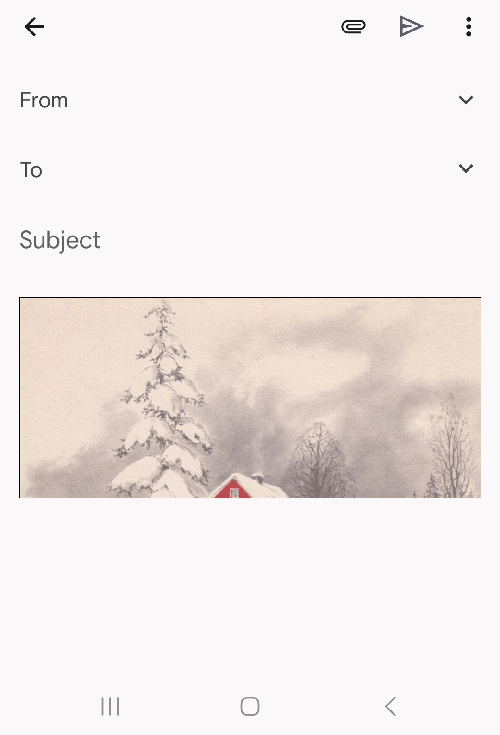
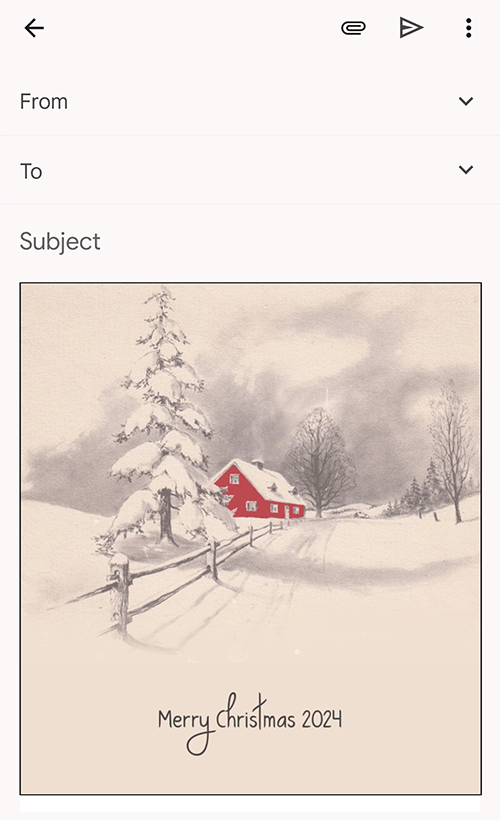
- Open a new message in Gmail, Outlook, Yahoo Mail, or another email service, then paste the completed email background into the message area.
Related Email Backgrounds

A festive animated Christmas email background featuring cheerful Santa Claus with glasses, twinkling golden lights, red poinsettias, elegant ribbons, and beautiful evergreen garlands.

A festive animated Christmas email background featuring a cheerful snowman, elegant red ribbon, snowy pine branches, glowing lantern, colorful gifts, and peaceful winter scenery.

A festive animated Christmas email background featuring a sparkling Christmas tree, cheerful snowman, glowing holiday lights, wrapped gifts, red ribbons, and a snowy winter cottage.

A magical animated Christmas email background featuring falling snow, a cozy winter cottage, cheerful snowman, flying red cardinal, and gently flowing winter stream.

A beautiful animated Christmas email background featuring Santa Claus riding a reindeer sleigh, twinkling golden lights, festive red ribbons, and peaceful snowy winter scenery.

A fun animated Christmas email background featuring upside down Santa Claus, colorful glowing lights, snowy evergreen trees, festive poinsettias, and cheerful winter decorations.

A festive animated Christmas email background featuring a cheerful waving Santa Claus, snowy pine branches, sparkling ornaments, delicate snowflakes, and a vibrant red backdrop.

A cheerful animated Christmas email background featuring Santa Claus with gifts, happy children, twinkling holiday lights, colorful ornaments, and a snowy winter village.
 . This option does not save a message to My History.