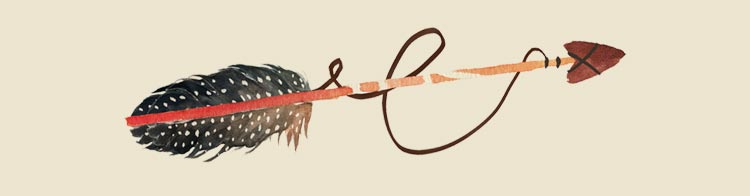
Feathered Arrow Email Background
Personalize This Email Background
 |
| Your text here |
 |
- Windows: press Win + .
- macOS: press Control + Command + Space
Fancy text is converted to a PNG when copied, so the selected font stays consistent in Gmail.
Personalize
Font Style
Font Color
Text Alignment
Text Direction
About the Feathered Arrow Email Background
Feathered Arrow Email Background A feathered arrow illustration with black and white feathers, a red stripe, and a brown shaft on a beige background. The email background uses a simple, hand-drawn illustration style with muted earth tones.
Use this design for polished personal notes, invitations, and professional messages. Add your own greeting and customize the font, color, size, and alignment to suit the design. You can then copy this free email stationery and paste the completed message into Gmail, Outlook, or Yahoo Mail.
How to Use This Elegant Simple Email Background in Gmail and Outlook
- Personalize the design with your message, font, color, size, and alignment.
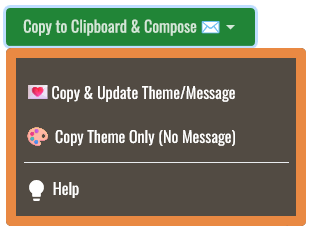
- Select Copy to Clipboard & Compose when your message is ready.
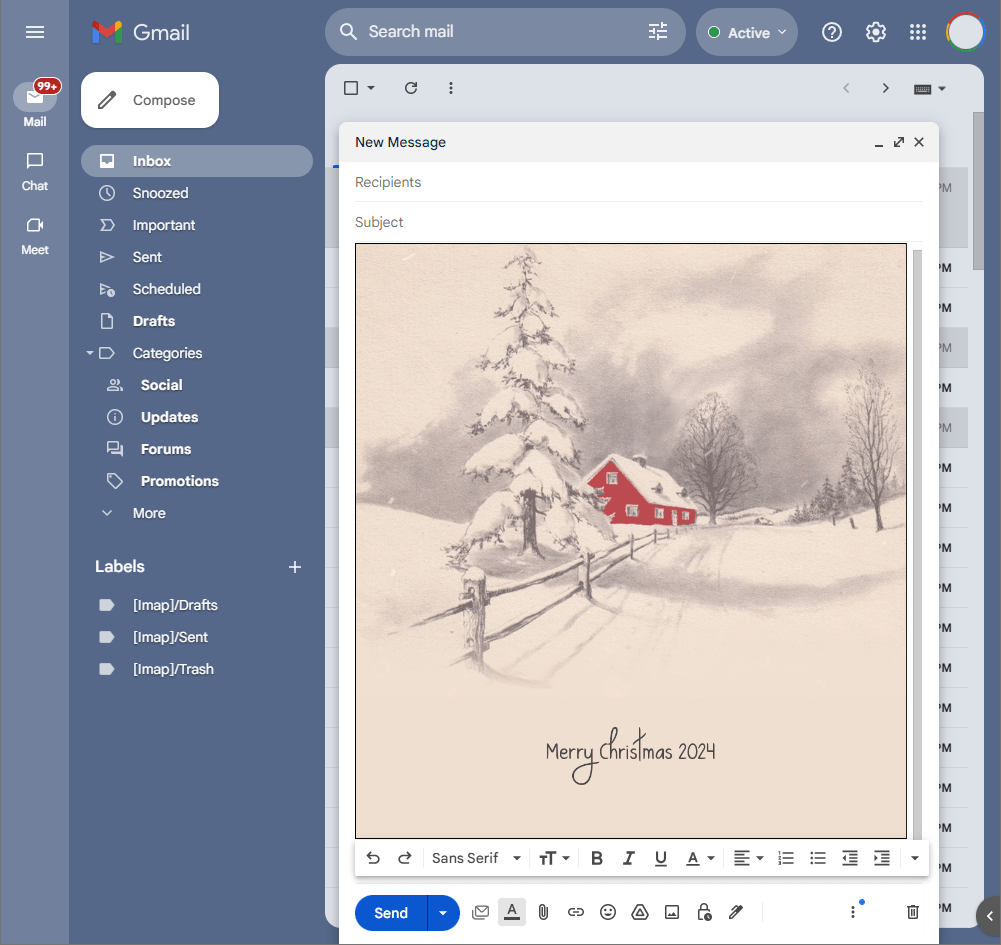
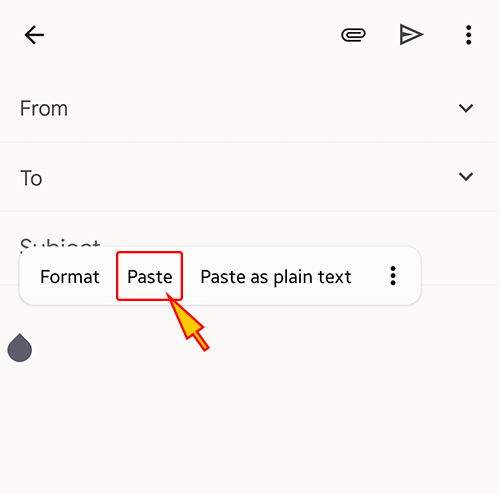
- Open a new message in Gmail, Outlook, Yahoo Mail, or another email service, then paste the completed email background into the message area.
Related Email Backgrounds

An elegant blue geometric gradient with abstract triangular shapes and soft transitions for a modern email background.

A dark bird silhouette flies over misty, forested mountains under a pale sky. The illustration uses muted blue and gray tones with a realistic style.

An animated abstract design with soft baby blue silk-like waves, pale glow, and smooth flowing texture.

A green palm leaf extends diagonally across a pale yellow background in a simple, elegant illustration style.

A peaceful coastal scene with a white sailboat gliding across turquoise ocean water beneath a clear blue sky.

Animated: A minimalist design with flowing blue and mint green waves against a clean, light background.

An animated abstract design with soft grey silk-like folds, gentle highlights, and clean white open space.
Bare trees line a dark hillside against a pale gray sky, rendered in a minimalist, elegant style with muted tones.
 . This option does not save a message to My History.