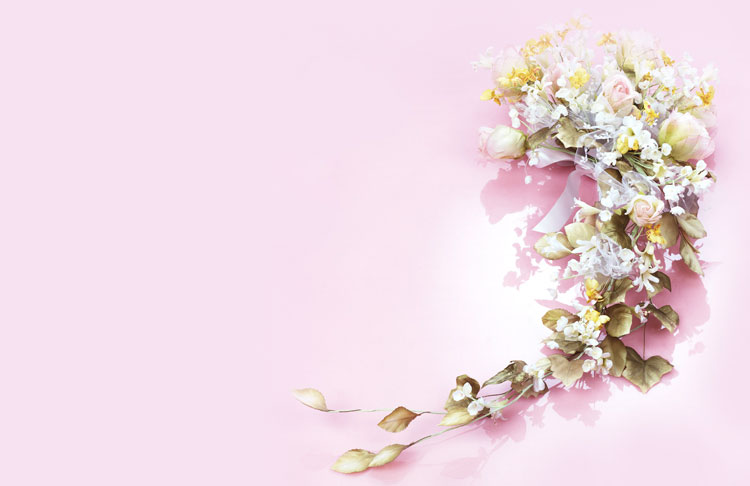
Pink Floral Bouquet Email Background
Personalize This Email Background
 |
| Your text here |
 |
- Windows: press Win + .
- macOS: press Control + Command + Space
Fancy text is converted to a PNG when copied, so the selected font stays consistent in Gmail.
Personalize
Font Style
Font Color
Text Alignment
Text Direction
About the Pink Floral Bouquet Email Background
Pink Floral Bouquet Email Background A cascading floral bouquet in white, yellow, and rose tones flows from the top right against a soft pink background. The elegant script text reads 'God Bless Your Love'. This romantic wedding-themed email background uses soft pastel colors and delicate floral illustration.
Use this design for wedding congratulations, invitations, and messages for a special couple. Personalize this free email stationery with your own message, then adjust the font, color, size, and alignment to complement the artwork. When it is ready, copy and paste the finished background into Gmail, Outlook, or Yahoo Mail.
How to Use This Wedding Email Background in Gmail and Outlook
- Personalize the design with your message, font, color, size, and alignment.
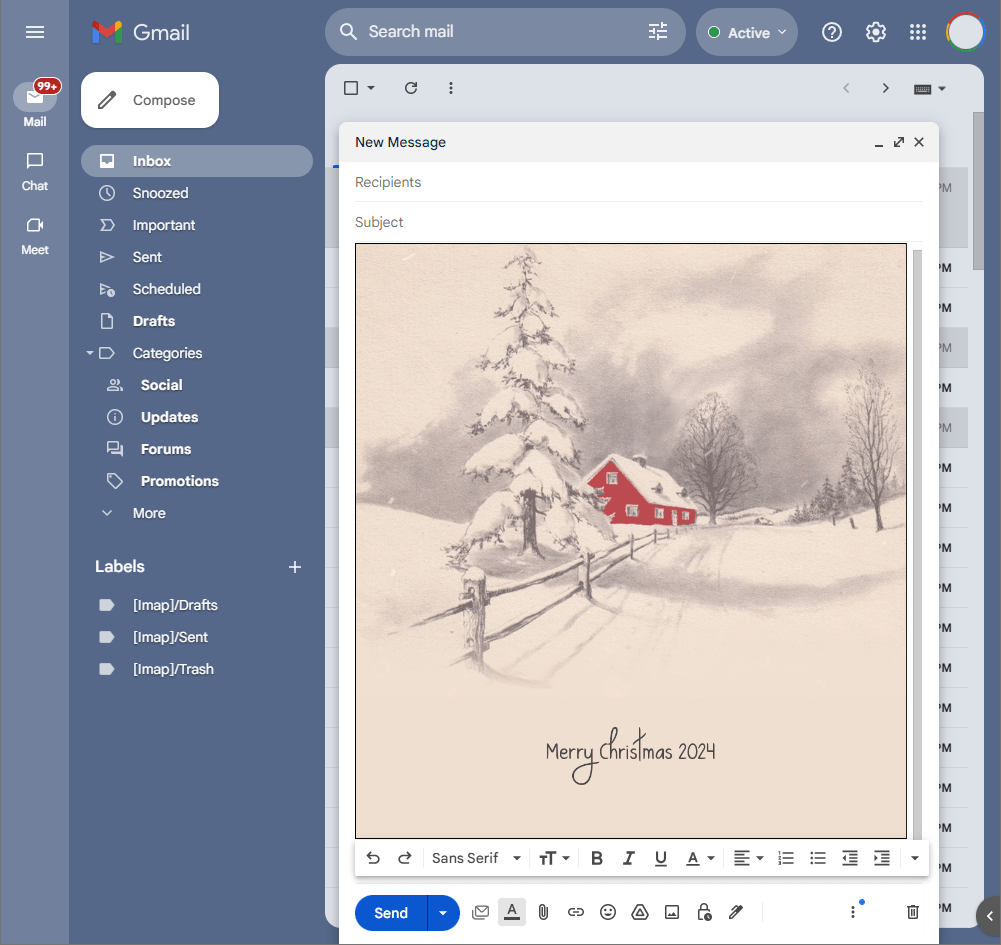
- Select Copy to Clipboard & Compose when your message is ready.
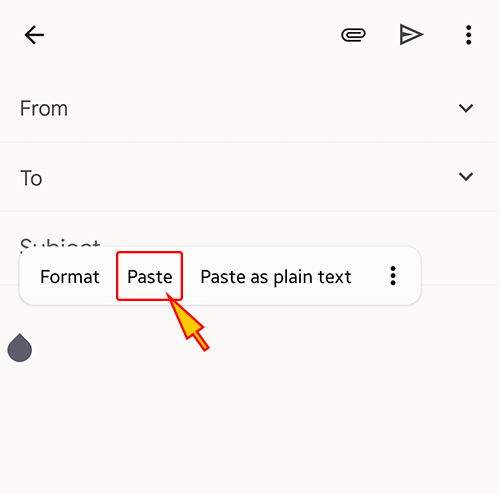
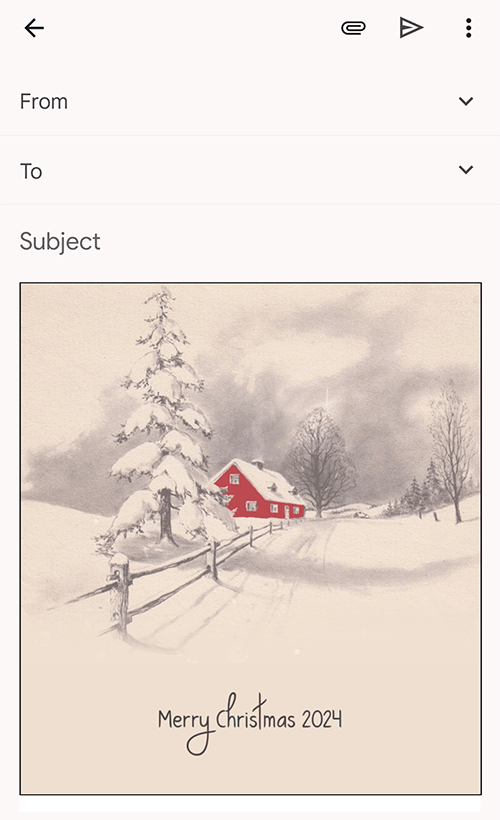
- Open a new message in Gmail, Outlook, Yahoo Mail, or another email service, then paste the completed email background into the message area.
Related Email Backgrounds

Two silver wedding rings rest on a dark textured surface. The illustration uses metallic tones and minimalist style.

Pink flowers in purple and blue heart-shaped containers on a light blue background with ribbon accents.

Two chibi angels with wings and red eyes stand on a blue wave against a light blue background with scattered stars and sparkles.

A deep purple rose with sparkling highlights sits beside delicate swirls and dotted lines on a soft lavender background.

An elegant wedding floral design with a bouquet of soft pink roses, pale white accents, and romantic background.

An adorable wedding scene with bride and groom chipmunk couple, red hearts, green hills, and blue sky.

A vibrant red rose with green leaves and two silver wedding rings on a clean white background.

A pink rose and wedding rings on a white background with soft pink and metallic tones in a romantic illustration style.


 . This option does not save a message to My History.