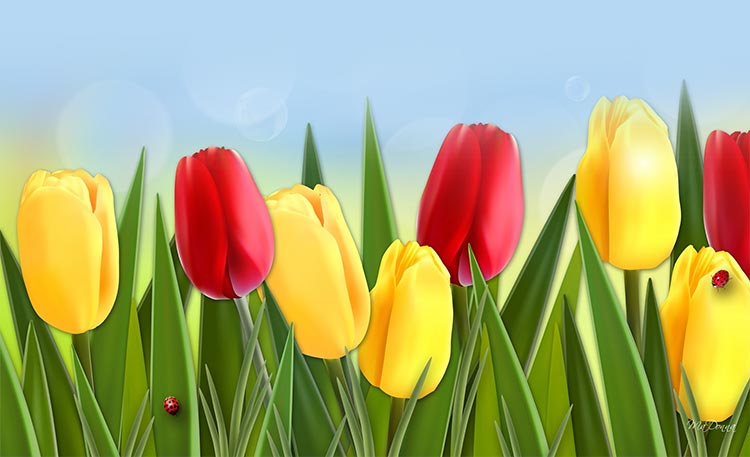
Red and Yellow Tulips Email Background
Personalize This Email Background
 |
| Your text here |
 |
- Windows: press Win + .
- macOS: press Control + Command + Space
Fancy text is converted to a PNG when copied, so the selected font stays consistent in Gmail.
Personalize
Font Style
Font Color
Text Alignment
Text Direction
About the Red and Yellow Tulips Email Background
Red and Yellow Tulips Email Background A field of red and yellow tulips blooms against a soft blue sky with green grass. The email background uses bright, cheerful colors and a clean, illustrative style. The composition features a few ladybugs on the flowers.
Use this design for spring greetings, seasonal announcements, and cheerful personal notes. Make the design your own with a message and your preferred font, color, size, and alignment. Once complete, copy this free email background and paste it into a new message in Gmail, Outlook, or Yahoo Mail.
How to Use This Spring Email Background in Gmail and Outlook
- Personalize the design with your message, font, color, size, and alignment.
- Select Copy to Clipboard & Compose when your message is ready.
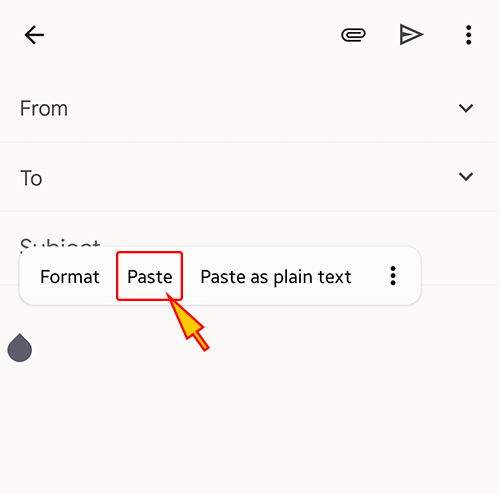
- Open a new message in Gmail, Outlook, Yahoo Mail, or another email service, then paste the completed email background into the message area.
Related Email Backgrounds

A field of pink tulips with soft focus background, featuring pastel tones and natural floral illustration in a spring setting.


Colorful mushrooms and flowers with butterflies on a blue sky background with white clouds and green grass.

A butterfly flies over a field of red and yellow tulips under a blue sky with white clouds.






 . This option does not save a message to My History.