Snowman in Winter Forest Email Background
Personalize This Email Background
 |
| Your text here |
 |
- Windows: press Win + .
- macOS: press Control + Command + Space
Fancy text is converted to a PNG when copied, so the selected font stays consistent in Gmail.
Personalize
Font Style
Font Color
Text Alignment
Text Direction
About the Snowman in Winter Forest Email Background
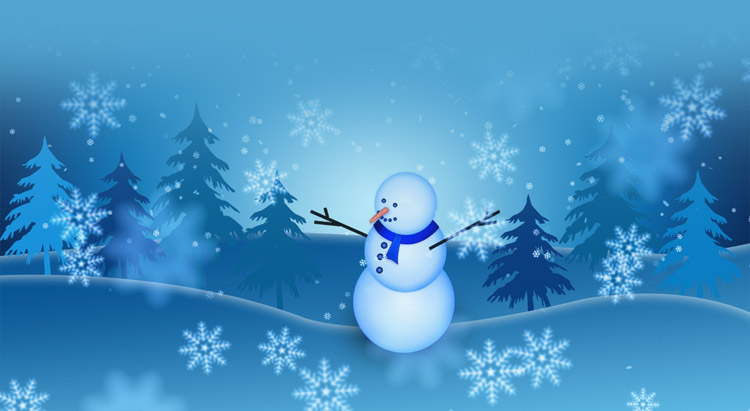
Snowman in Winter Forest Email Background A cheerful snowman with a blue scarf and twig arms stands in a snowy forest with pine trees and falling snowflakes. The background features a blue gradient with scattered snowflakes.
Use this design for winter greetings, seasonal notes, and cozy personal messages. Write a personal message, choose a fitting font and color, and adjust the size and alignment as needed. After personalizing this free email stationery, copy the completed background into Gmail, Outlook, or Yahoo Mail.
How to Use This Winter Email Background in Gmail and Outlook
- Personalize the design with your message, font, color, size, and alignment.
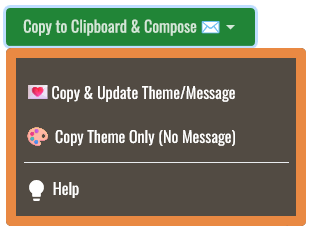
- Select Copy to Clipboard & Compose when your message is ready.
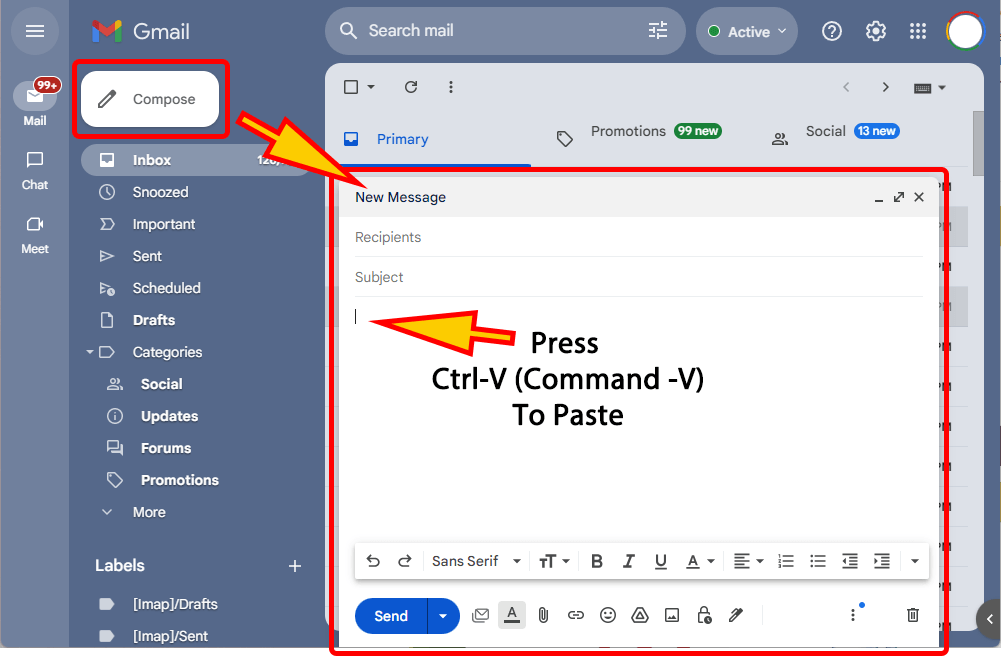
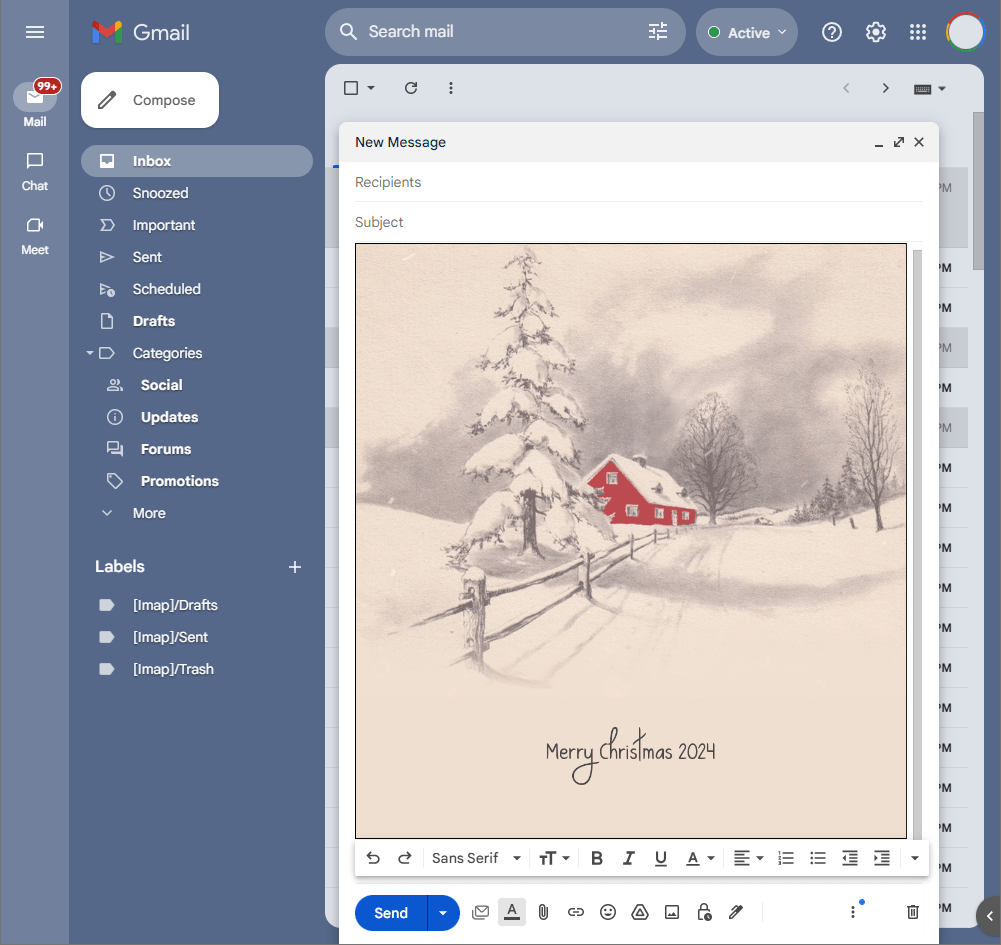
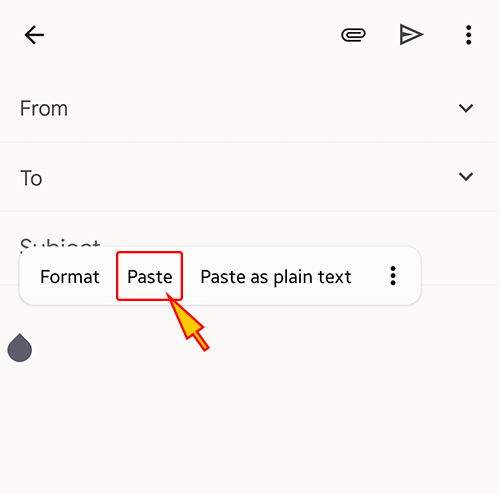
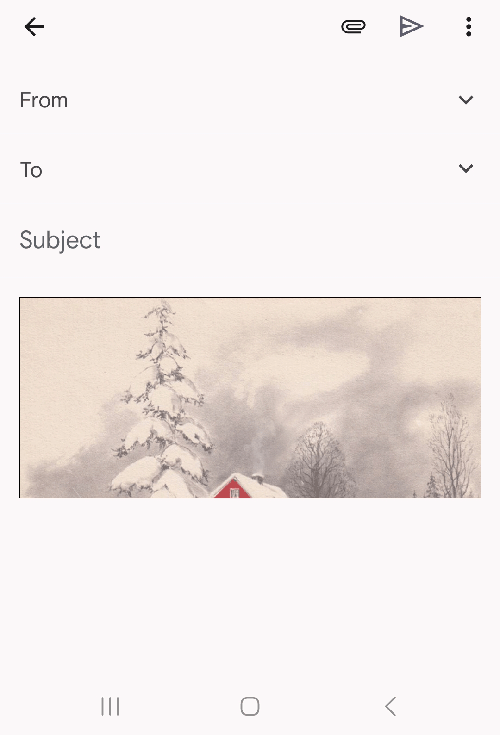
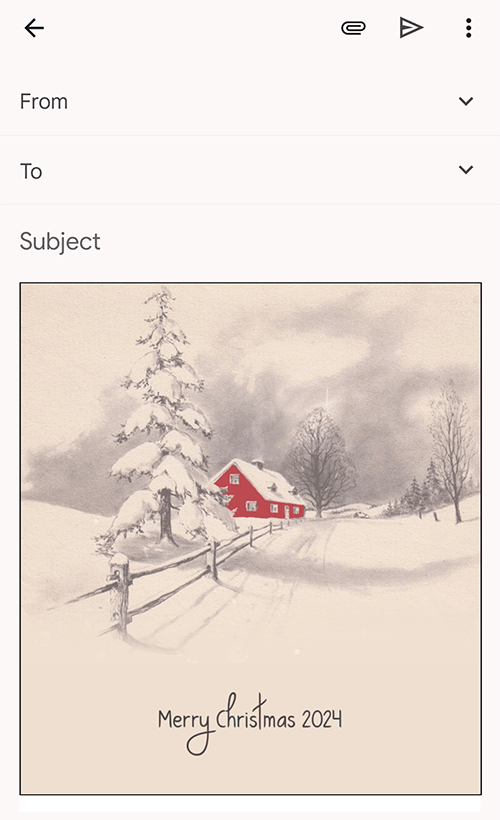
- Open a new message in Gmail, Outlook, Yahoo Mail, or another email service, then paste the completed email background into the message area.
Related Email Backgrounds
A cozy cabin with red trim and glowing windows sits under heavy snow, surrounded by snow-laden trees against a dark winter sky.
A snowy winter cabin with red buildings, snow-covered trees, and horses pulling a sleigh on a blue and white background.

Santa in red suit rides reindeer across a snowy plain under a dark blue sky with realistic animal details and winter colors.
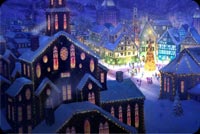
A snowy winter village at night with glowing windows, a Christmas tree, and dark blue sky.
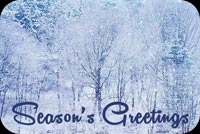
A quiet winter design with snow-covered bare trees, soft blue light, and elegant Season’s Greetings script.

A peaceful winter design with icy blue snowflakes, frosted forest silhouettes, and graceful Season’s Greetings lettering.

A snowy mountain cabin with snow-covered trees and a blue sky. The illustration style is realistic with crisp winter colors.

A festive blue winter scene with glowing candles, pinecones, and wrapped gifts on a sparkling background.
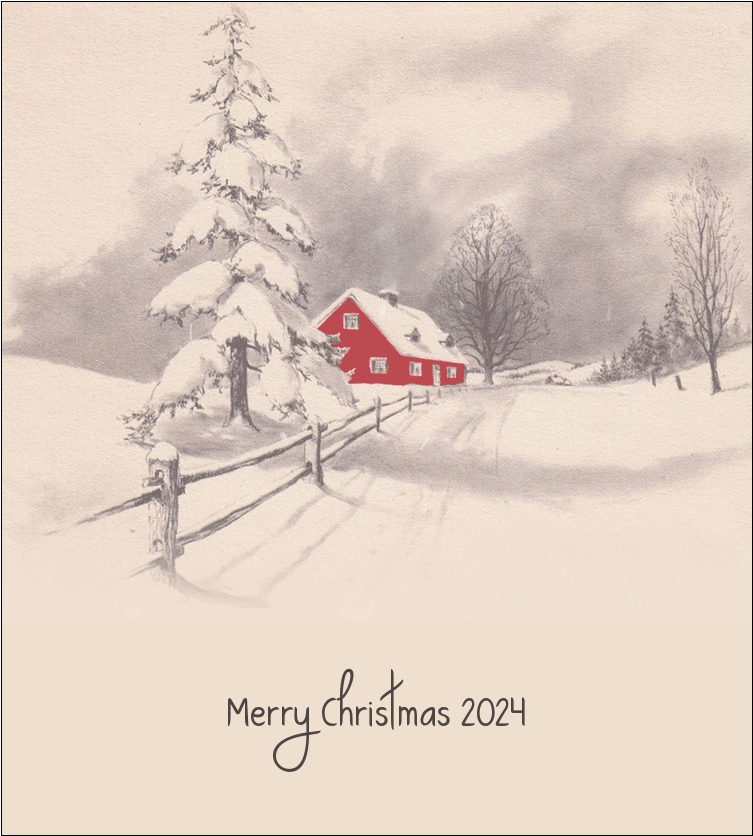
 . This option does not save a message to My History.