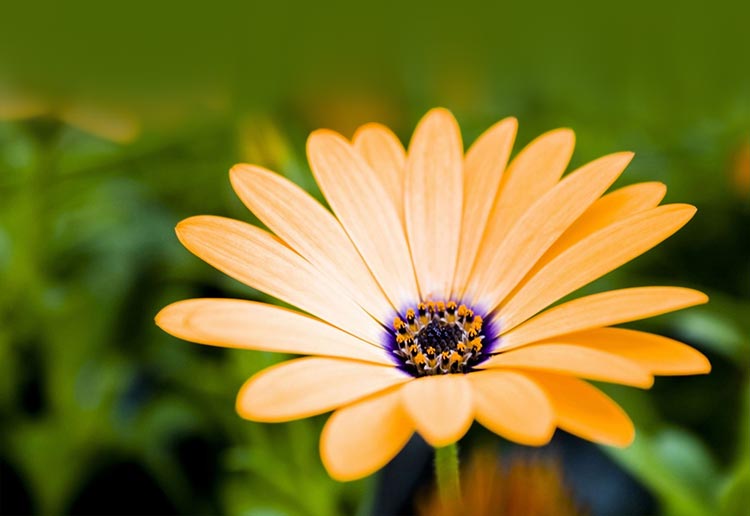
Orange Flower Email Background
Personalize This Email Background
 |
| Your text here |
 |
- Windows: press Win + .
- macOS: press Control + Command + Space
Fancy text is converted to a PNG when copied, so the selected font stays consistent in Gmail.
Personalize
Font Style
Font Color
Text Alignment
Text Direction
About the Orange Flower Email Background
Orange Flower Email Background A single orange flower with a dark center blooms against a soft green background. The realistic botanical detail includes visible petals and a textured center. The natural lighting enhances the flower's vibrant color.
Use this design for thank-you notes, celebrations, and thoughtful everyday messages. Make the design your own with a message and your preferred font, color, size, and alignment. Once complete, copy this free email background and paste it into a new message in Gmail, Outlook, or Yahoo Mail.
How to Use This Flowers Email Background in Gmail and Outlook
- Personalize the design with your message, font, color, size, and alignment.
- Select Copy to Clipboard & Compose when your message is ready.
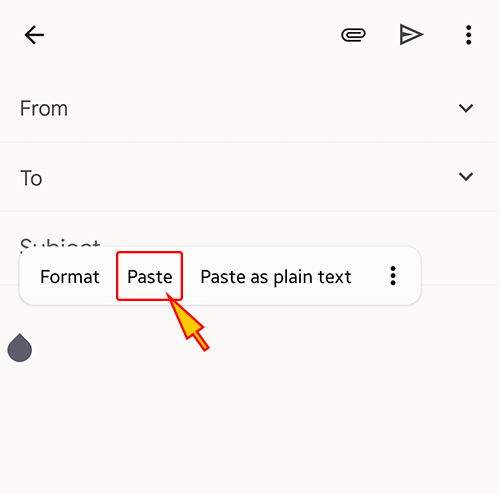
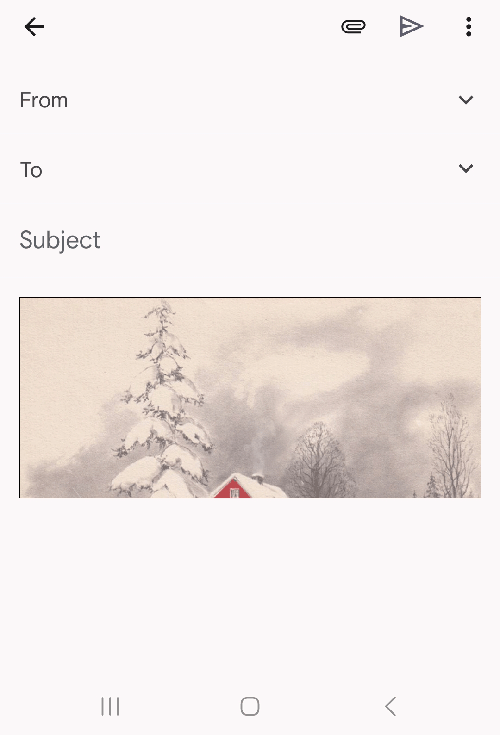
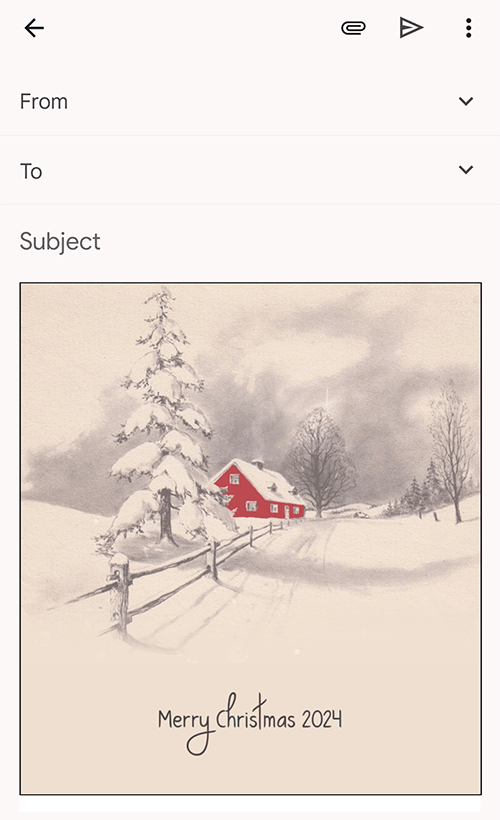
- Open a new message in Gmail, Outlook, Yahoo Mail, or another email service, then paste the completed email background into the message area.
Related Email Backgrounds


A bright floral design with a golden sunflower, lush green leaves, and warm sunshine.

A branch of purple orchids with open blooms and buds against a soft gradient background of purple and white.


A vivid red rose with a white feather on a soft beige background, rendered in a naturalistic illustration style.


Two pink tulips with sparkles on green stems sit against a soft gradient background with flowing blue and pink swirls.


 . This option does not save a message to My History.