Overlapping Hearts Email Background
Personalize This Email Background
 |
| Your text here |
 |
- Windows: press Win + .
- macOS: press Control + Command + Space
Fancy text is converted to a PNG when copied, so the selected font stays consistent in Gmail.
Personalize
Font Style
Font Color
Text Alignment
Text Direction
About the Overlapping Hearts Email Background
Overlapping Hearts Email Background Two overlapping hearts in warm orange tones float over a solid orange background, surrounded by white sparkles and smaller hearts. The illustration style is festive and Valentine's Day themed. This email background uses a warm color palette and decorative elements to create a romantic mood.
Use this design for Valentine's Day greetings and affectionate notes for someone special. Personalize this free email stationery with your own message, then adjust the font, color, size, and alignment to complement the artwork. When it is ready, copy and paste the finished background into Gmail, Outlook, or Yahoo Mail.
How to Use This Valentine's Day Email Background in Gmail and Outlook
- Personalize the design with your message, font, color, size, and alignment.
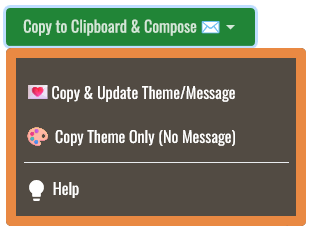
- Select Copy to Clipboard & Compose when your message is ready.
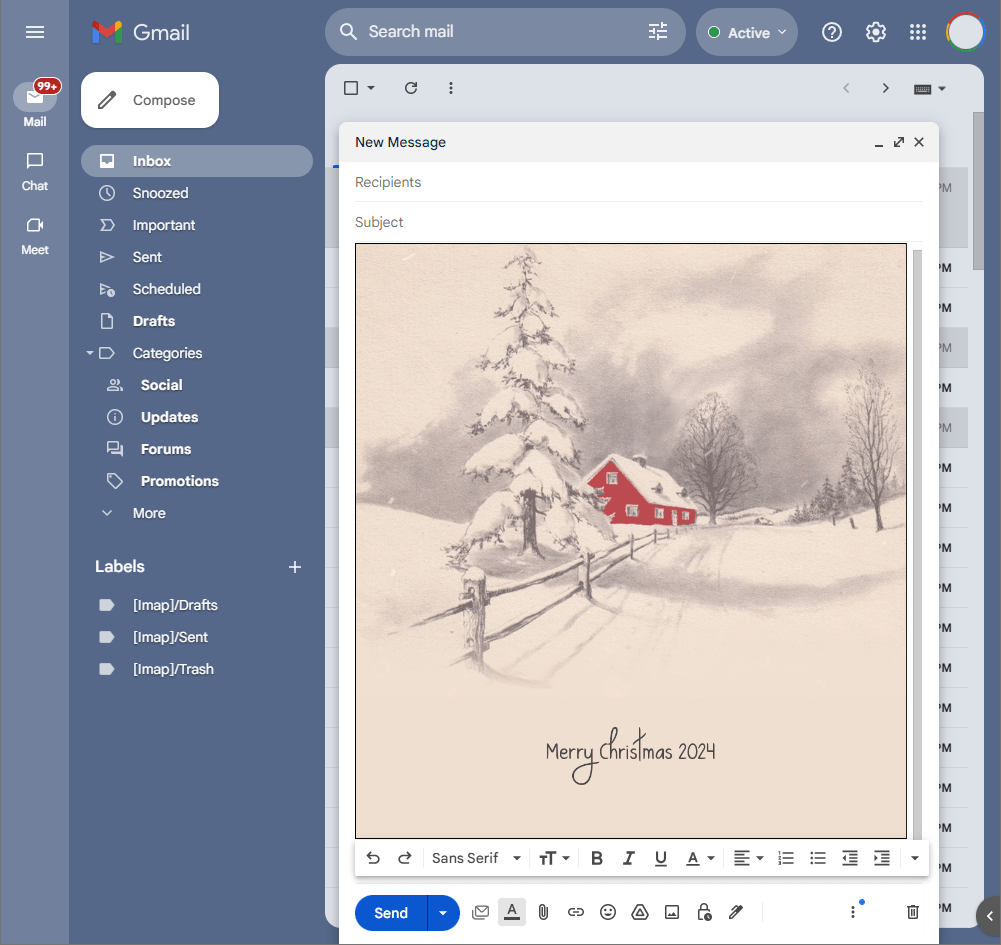
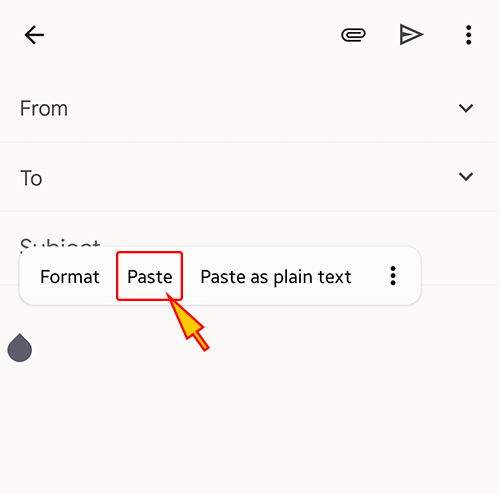
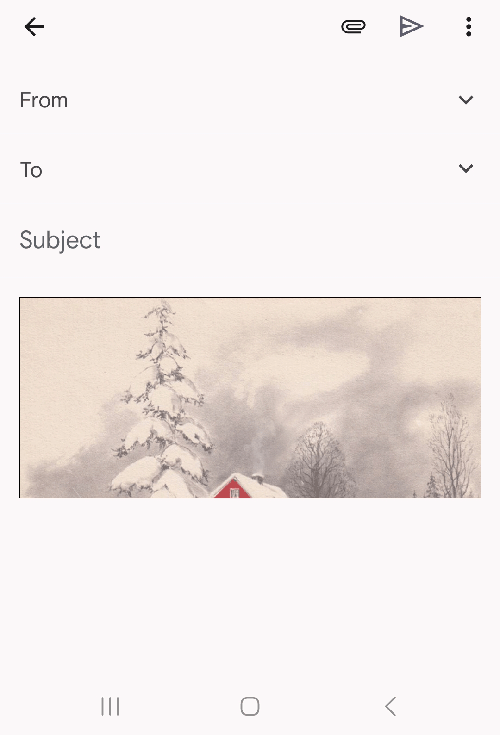
- Open a new message in Gmail, Outlook, Yahoo Mail, or another email service, then paste the completed email background into the message area.
Related Email Backgrounds

A tree shaped like a heart, composed of layered red and pink hearts, stands on vibrant pink grass against a soft pink background.

Glossy red hearts float on a soft pink gradient background with swirling ribbons and sparkling accents.

Bold red 3D lettering spelling 'Love' with floating red hearts on a white background.

Glossy red and pink heart balloons float against a vibrant red background with soft bokeh effects and golden heart outlines.

A pink heart with colorful swirls and hearts on a blue background with cartoon-style illustration.

A romantic Valentine’s design with glossy pink hearts, yellow flowers, ribbon loops, and rich red patterned background.

Three red gerbera daisies in a white vase with pink and red polka dots, set against a white surface with Valentine's Day text.

Two teddy bears cuddle together with red hearts floating around them against a cream background in a hand-drawn style.

 . This option does not save a message to My History.