Red Maple Leaf Email Background
Personalize This Email Background
 |
| Your text here |
 |
- Windows: press Win + .
- macOS: press Control + Command + Space
Fancy text is converted to a PNG when copied, so the selected font stays consistent in Gmail.
Personalize
Font Style
Font Color
Text Alignment
Text Direction
About the Red Maple Leaf Email Background
Red Maple Leaf Email Background A vibrant red maple leaf with detailed veins lies on textured ground amid fallen leaves and rocks. The background shows blurred golden autumn trees. Elegant cursive text reads 'Happy Thanksgiving'.
Use this design for Thanksgiving wishes, dinner invitations, and messages of gratitude. Write a personal message, choose a fitting font and color, and adjust the size and alignment as needed. After personalizing this free email stationery, copy the completed background into Gmail, Outlook, or Yahoo Mail.
How to Use This Thanksgiving Email Background in Gmail and Outlook
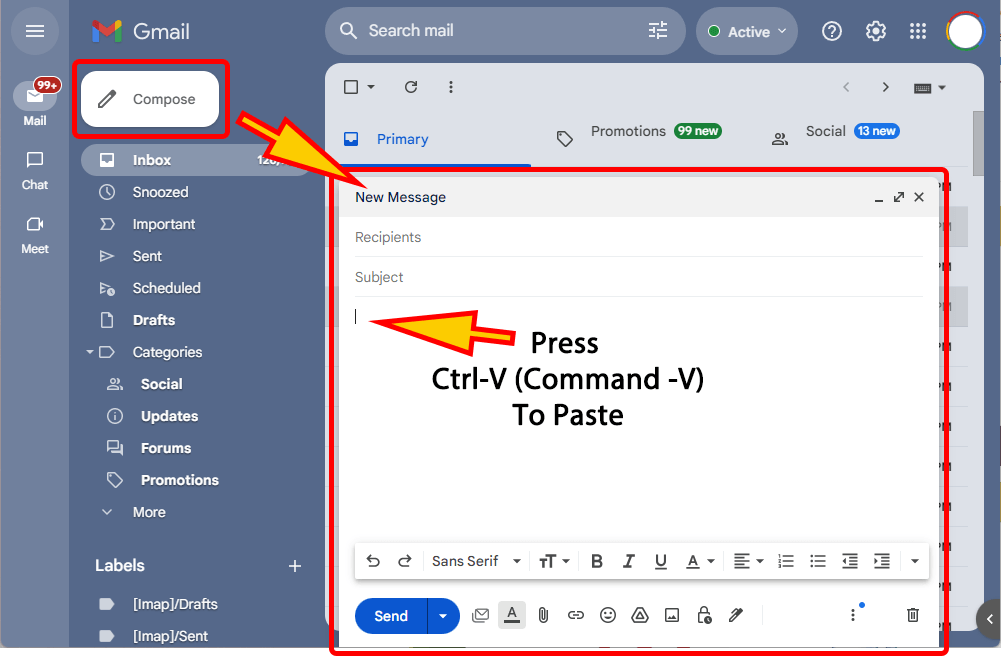
- Personalize the design with your message, font, color, size, and alignment.
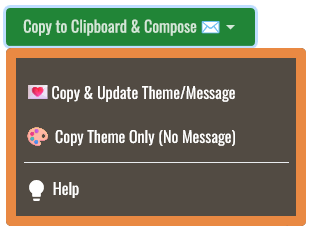
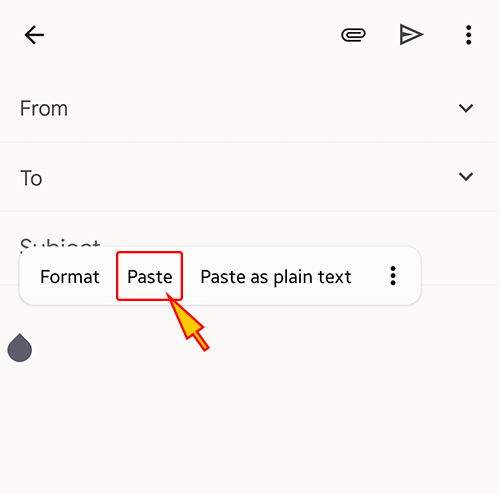
- Select Copy to Clipboard & Compose when your message is ready.
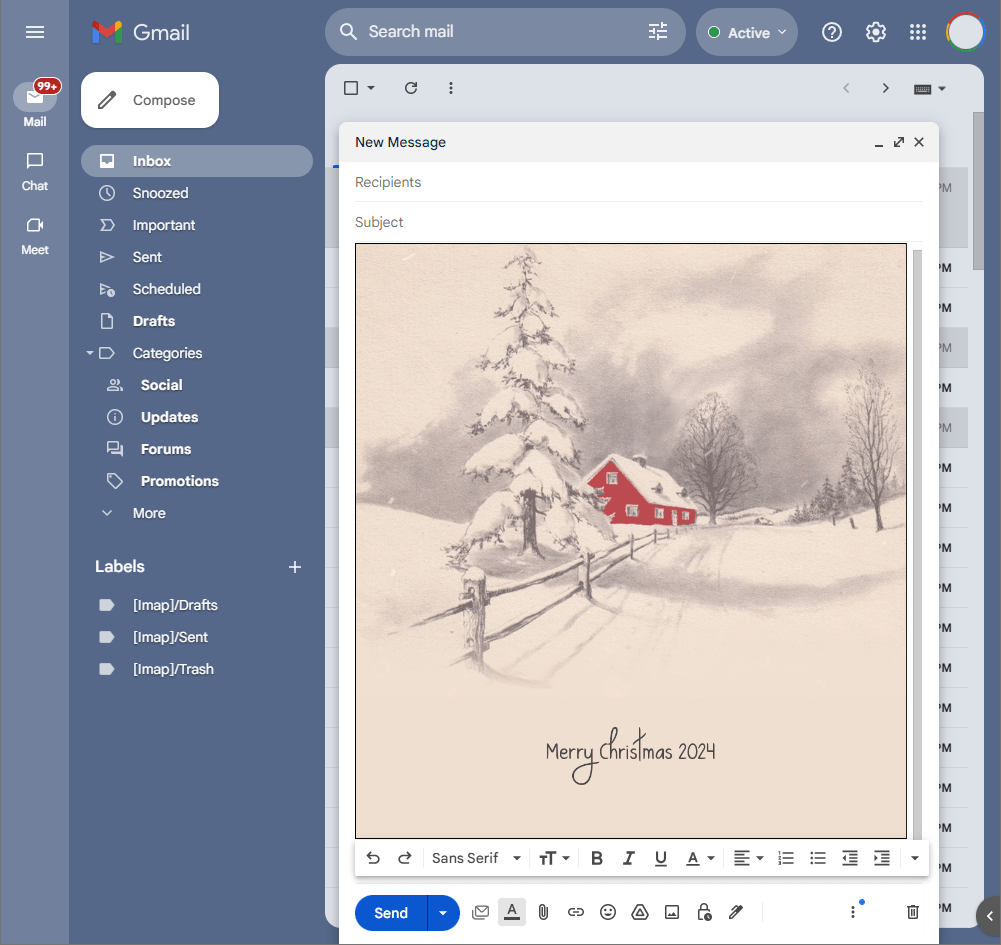
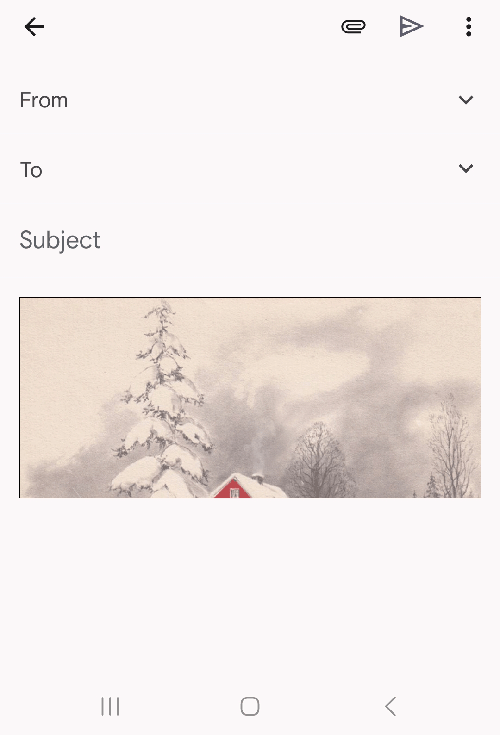
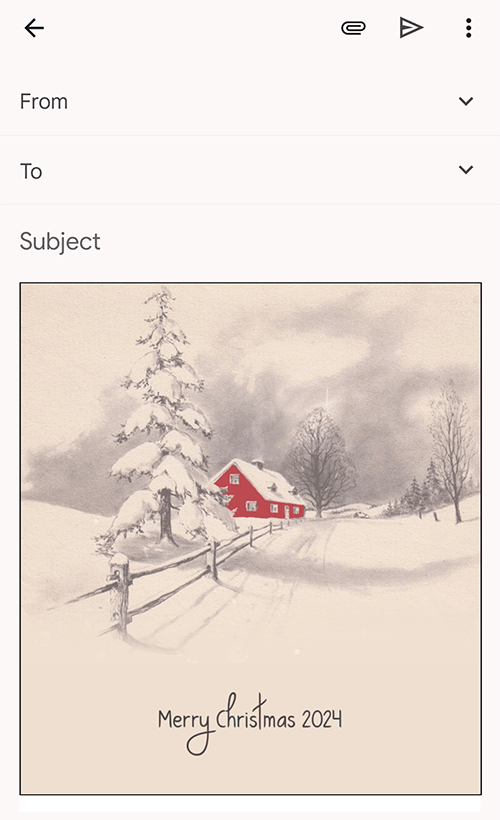
- Open a new message in Gmail, Outlook, Yahoo Mail, or another email service, then paste the completed email background into the message area.
Related Email Backgrounds

Orange and red maple leaves rest on a weathered wooden surface with the text 'BE thankful' in a cursive font.

A roasted turkey centerpiece with side dishes on a green background, featuring purple glass vases and candlesticks.

A realistic still life of various pumpkins and gourds on a wooden surface with warm lighting and dark background.

A Thanksgiving pumpkin bouquet with sunflowers, orange pumpkins, and autumn leaves in warm orange and yellow tones.

Autumn leaves and berries arranged with a glass jar on a beige surface, featuring warm fall colors and handwritten text.

An autumn-themed email background with orange pumpkins, red and yellow leaves, and the text 'Give Thanks' in brown cursive.

An animated Thanksgiving frame with dark brown center, gold swirls, pumpkins, and autumn leaves.

A minimalist botanical design with soft green leafy stems and delicate white flowers on pale textured concrete.
 . This option does not save a message to My History.