Christmas Pine Branches Email Background
Personalize This Email Background
 |
| Your text here |
 |
- Windows: press Win + .
- macOS: press Control + Command + Space
Fancy text is converted to a PNG when copied, so the selected font stays consistent in Gmail.
Personalize
Font Style
Font Color
Text Alignment
Text Direction
About the Christmas Pine Branches Email Background
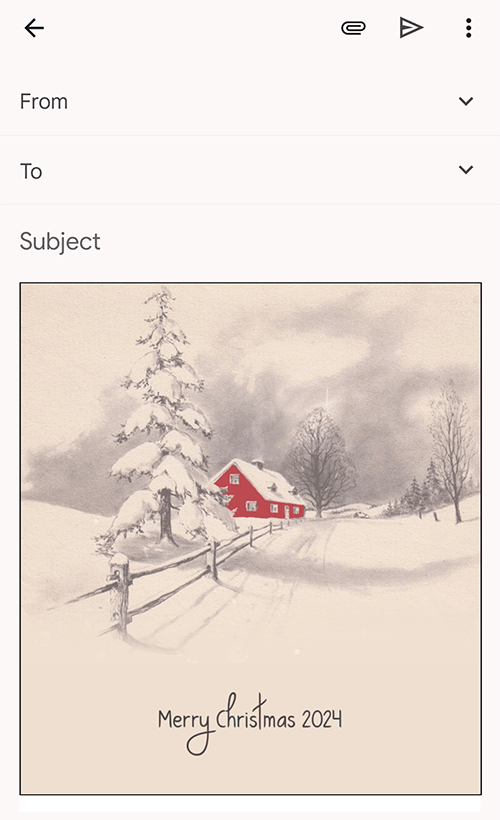
Christmas Pine Branches Email Background Green pine branches with red berries and gold stars frame a light beige background. The flat illustration style uses simple shapes and muted colors. The design evokes a calm, festive holiday mood. This email background features a clean, decorative border.
Use this design for Christmas greetings for family, friends, customers, or colleagues. Make the design your own with a message and your preferred font, color, size, and alignment. Once complete, copy this free email background and paste it into a new message in Gmail, Outlook, or Yahoo Mail.
How to Use This Christmas Email Background in Gmail and Outlook
- Personalize the design with your message, font, color, size, and alignment.
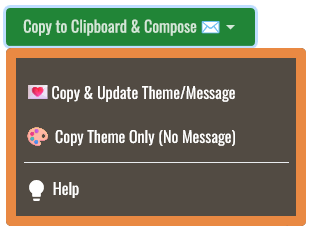
- Select Copy to Clipboard & Compose when your message is ready.
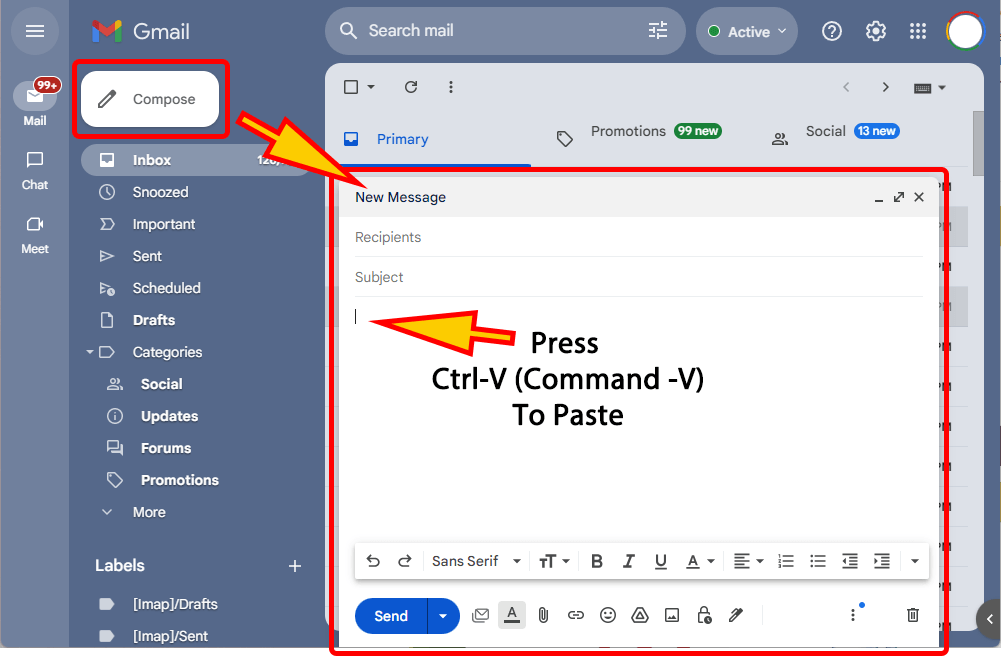
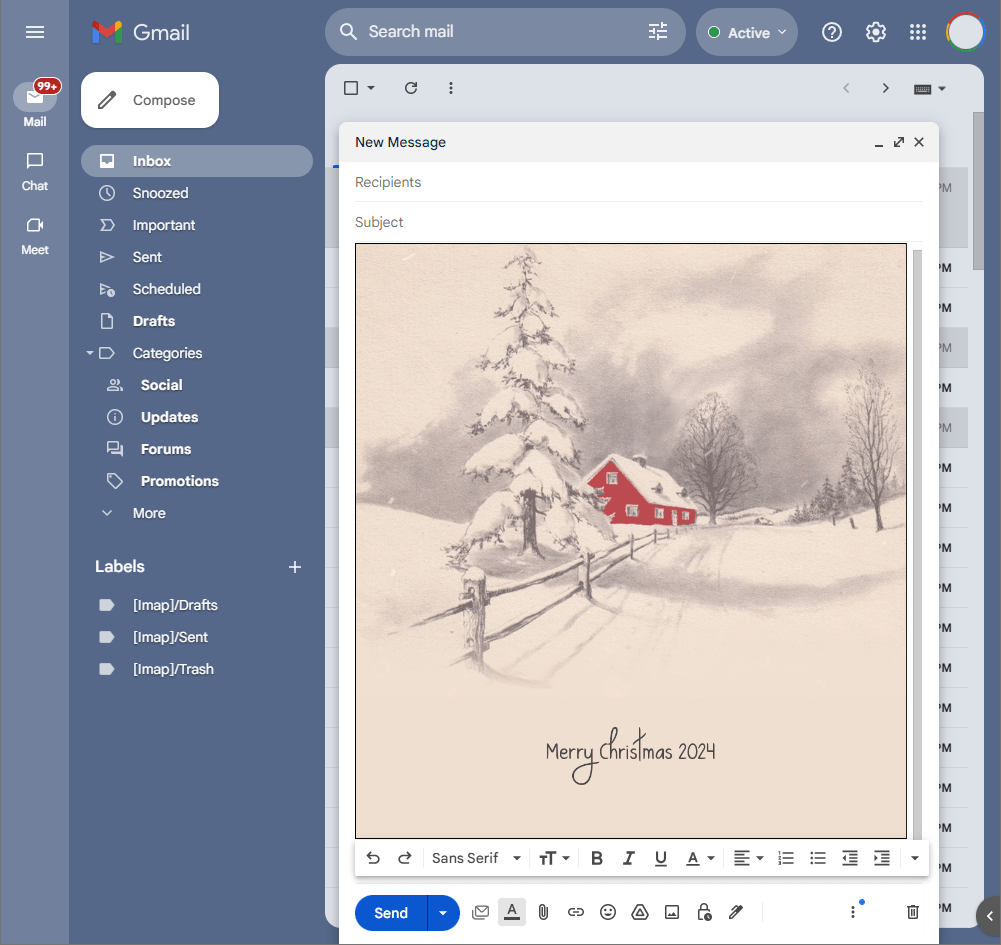
- Open a new message in Gmail, Outlook, Yahoo Mail, or another email service, then paste the completed email background into the message area.
Related Email Backgrounds

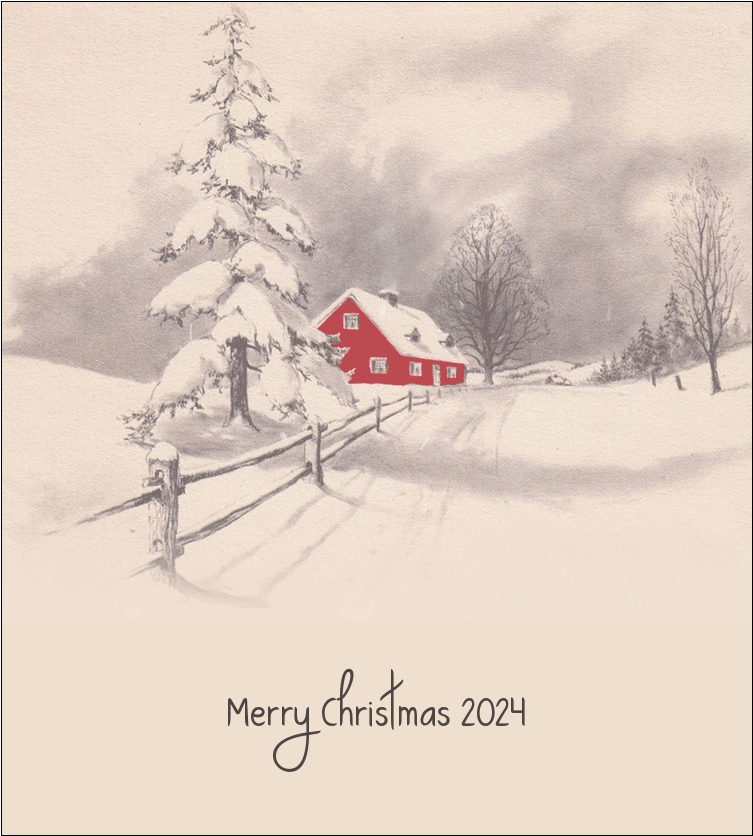
A painted cottage glowing under deep snow.

An animated winter scene with grand snowy Victorian house, stone bridge, frozen pond, and twilight.

An animated Christmas scene with red cardinals, snowy church, glowing windows, pine branches, and winter twilight.

Mary and Joseph traveling beneath a radiant blue night sky create a meaningful Christmas email.

A steam train traveling through a snowy town creates a magical Christmas email greeting.

A snowman, reindeer, swan, and rabbits in moonlight create a peaceful winter Christmas email.

A painted snowbound cottage in blue evening light.

Pine branches, ornaments, stars, and wrapped gifts create an elegant Merry Christmas email greeting.
 . This option does not save a message to My History.