Champagne New Year Celebration Email Background
Personalize This Email Background
 |
| Your text here |
 |
- Windows: press Win + .
- macOS: press Control + Command + Space
Fancy text is converted to a PNG when copied, so the selected font stays consistent in Gmail.
Personalize
Font Style
Font Color
Text Alignment
Text Direction
About the Champagne New Year Celebration Email Background
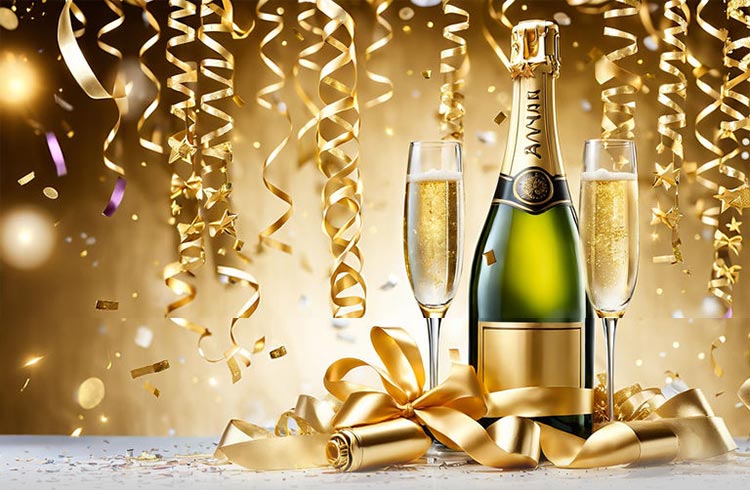
Champagne New Year Celebration Email Background A champagne bottle and two flutes sit on a white surface, surrounded by golden confetti and ribbons. The background is a warm golden gradient with sparkling lights. This elegant email background uses luxurious gold and white tones with a celebratory illustration style.
Use this design for New Year greetings, party invitations, and celebratory messages. Make the design your own with a message and your preferred font, color, size, and alignment. Once complete, copy this free email background and paste it into a new message in Gmail, Outlook, or Yahoo Mail.
How to Use This New Year Email Background in Gmail and Outlook
- Personalize the design with your message, font, color, size, and alignment.
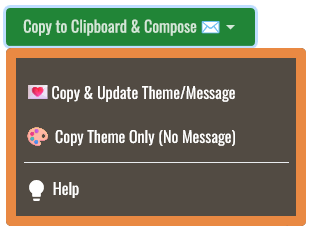
- Select Copy to Clipboard & Compose when your message is ready.
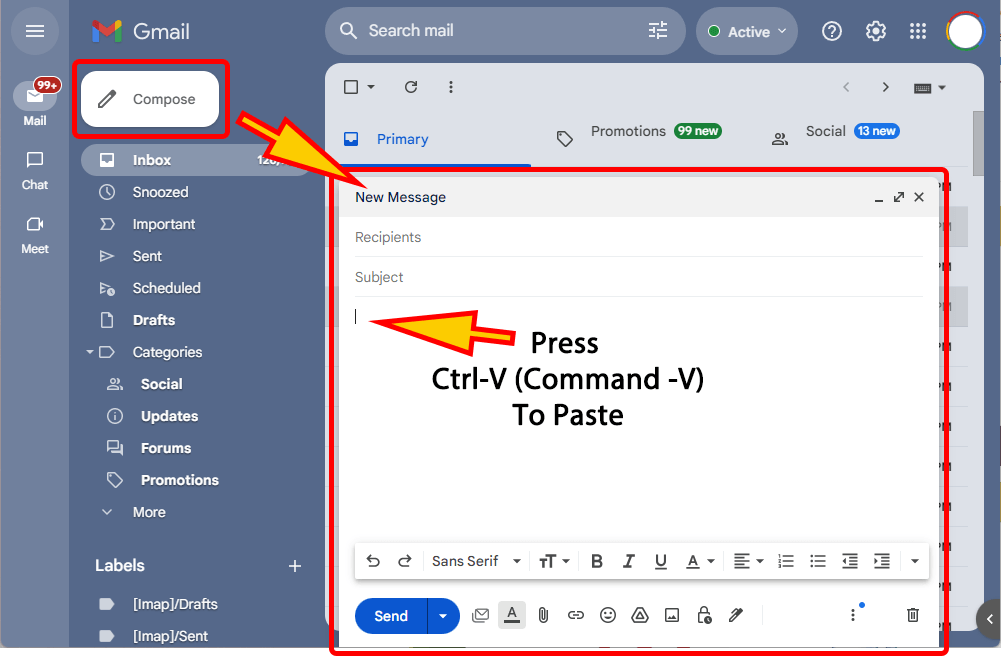
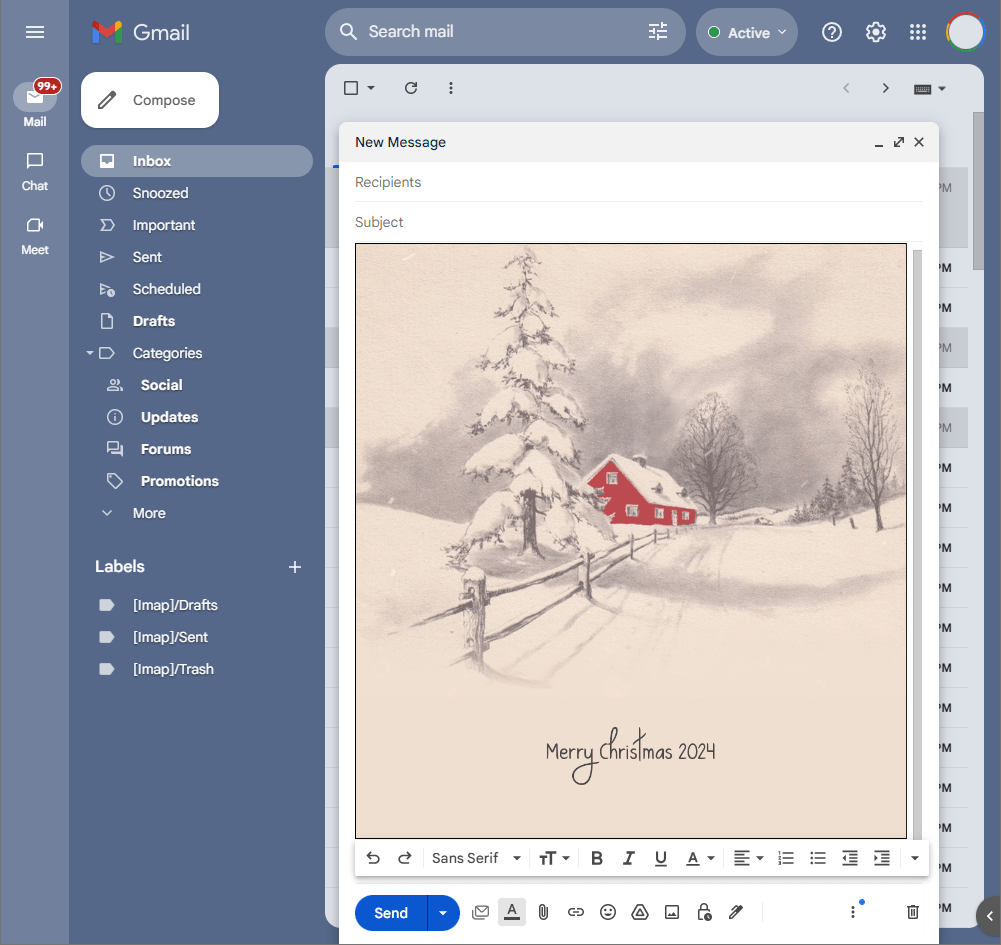
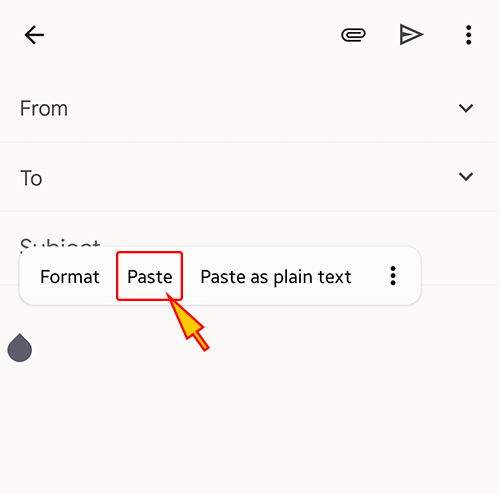
- Open a new message in Gmail, Outlook, Yahoo Mail, or another email service, then paste the completed email background into the message area.
Related Email Backgrounds
A festive New Year scene with antique clock near midnight, evergreen branches, berries, pinecones, and golden light.

A golden gift box with ribbon, champagne flutes, and ornaments on a sparkling gold background with cursive text.

Golden ornaments and pinecones rest in snow with the word JOY, set against a soft blue and white background with falling snow.

A champagne bottle with a popping cork against a glowing green background with festive lights and text.
A snowy clock face framed by pine branches, pinecones, and red berries, with a cursive 'Happy New Year' message in red.

A red background with gold cursive 'Happy New Year' text, swirling red and gold ribbons, and scattered gold stars.

A silver clock with champagne flutes, red and gold ribbons, white flowers, and pine foliage against a gray background.

Two champagne flutes stand among pinecones and holly against a rich field of sparkling golden bokeh.
 . This option does not save a message to My History.