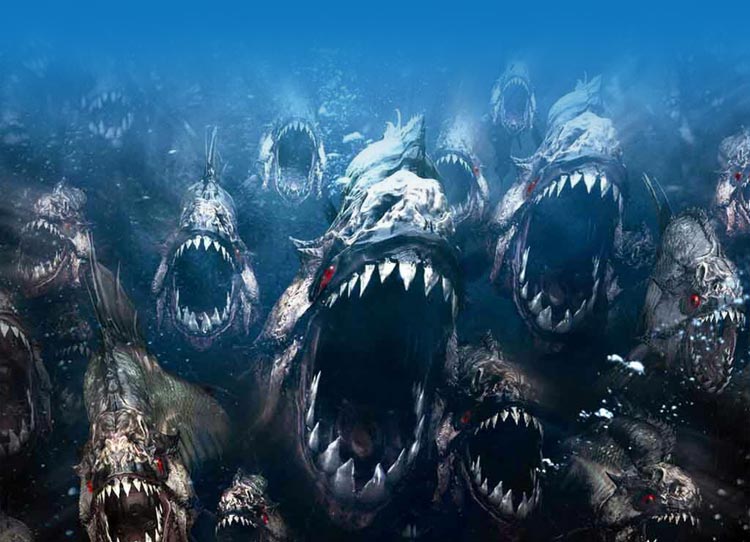
Horrifying Shark Horde Email Background
Personalize This Email Background
 |
| Your text here |
 |
- Windows: press Win + .
- macOS: press Control + Command + Space
Fancy text is converted to a PNG when copied, so the selected font stays consistent in Gmail.
Personalize
Font Style
Font Color
Text Alignment
Text Direction
About the Horrifying Shark Horde Email Background
Horrifying Shark Horde Email Background A horde of monstrous sharks with glowing red eyes and sharp teeth fills the underwater scene. The dark, ominous email background features deep blue water and murky lighting. The detailed illustration style emphasizes the menacing appearance of the sharks.
Use this design for Halloween invitations, party messages, and spooky seasonal greetings. Personalize this free email stationery with your own message, then adjust the font, color, size, and alignment to complement the artwork. When it is ready, copy and paste the finished background into Gmail, Outlook, or Yahoo Mail.
How to Use This Halloween Email Background in Gmail and Outlook
- Personalize the design with your message, font, color, size, and alignment.
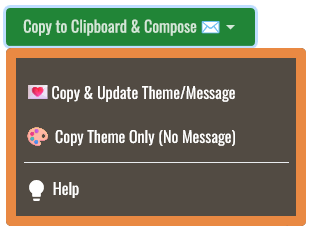
- Select Copy to Clipboard & Compose when your message is ready.
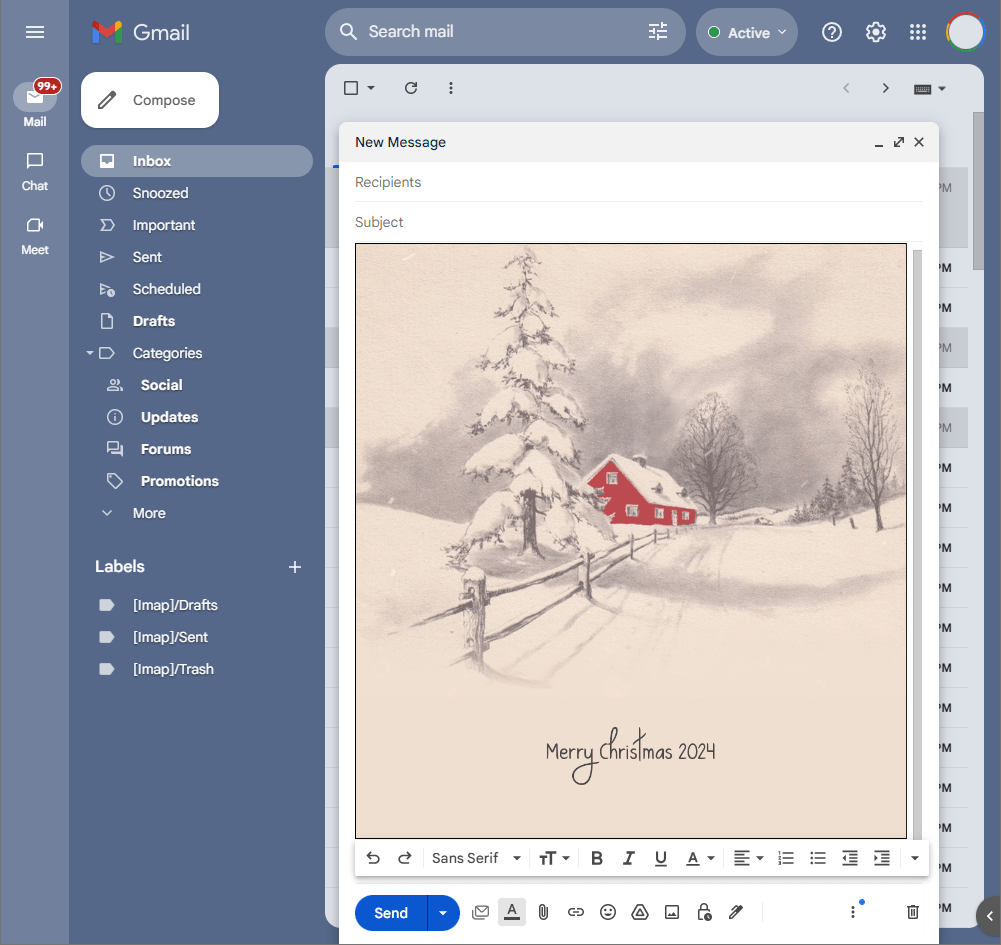
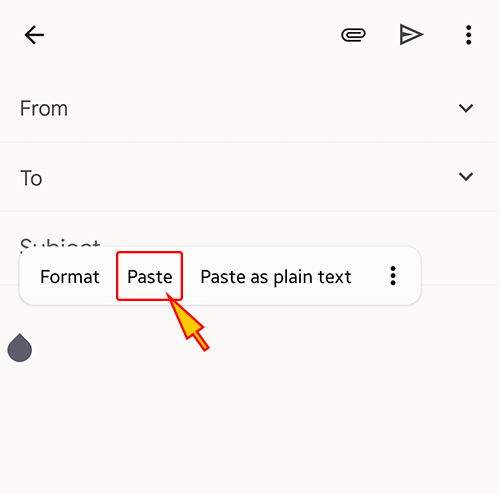
- Open a new message in Gmail, Outlook, Yahoo Mail, or another email service, then paste the completed email background into the message area.
Related Email Backgrounds
A glowing orange pumpkin carriage with red wheels and green vines, set against a warm orange gradient background with small mice and decorative swirls.
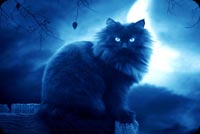
A fluffy black cat with glowing blue eyes perches on a wooden fence against a dark blue night sky with a bright moon and bare branches.
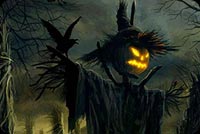
An eerie Halloween scene with a shadowy scarecrow, glowing pumpkin head, flying crow, twisted trees, and fog.
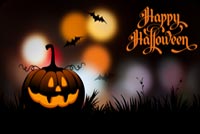
An orange jack-o'-lantern with glowing eyes and mouth sits in grass against a dark background with bats and warm bokeh lights.
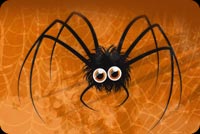
A black spider with large round eyes sits on an orange background with faint spiderweb patterns. The illustration style is spooky and cartoonish.
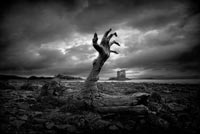
A giant gnarled tree hand in black and white reaches upward against a stormy sky, with a castle visible in the distance.
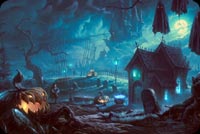
An eerie Halloween graveyard with glowing moon, jack-o-lanterns, crooked house, ghosts, and blue night mist.
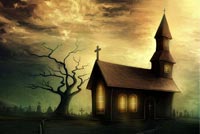
A haunted church with glowing windows stands beside a bare tree and a wooden gallows under a moody twilight sky.
 . This option does not save a message to My History.