Pink Easter Egg Email Background
Personalize This Email Background
 |
| Your text here |
 |
- Windows: press Win + .
- macOS: press Control + Command + Space
Fancy text is converted to a PNG when copied, so the selected font stays consistent in Gmail.
Personalize
Font Style
Font Color
Text Alignment
Text Direction
About the Pink Easter Egg Email Background
Pink Easter Egg Email Background A large pink Easter egg with a bunny silhouette is centered, surrounded by ornate purple and blue floral swirls. Three smaller eggs in teal, yellow, and green feature bunny silhouettes and lace trim.
Use this design for Easter wishes and cheerful springtime messages. Write a personal message, choose a fitting font and color, and adjust the size and alignment as needed. After personalizing this free email stationery, copy the completed background into Gmail, Outlook, or Yahoo Mail.
How to Use This Easter Email Background in Gmail and Outlook
- Personalize the design with your message, font, color, size, and alignment.
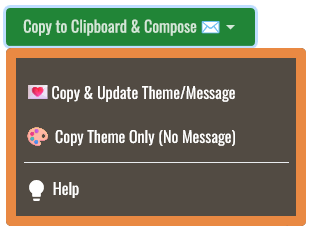
- Select Copy to Clipboard & Compose when your message is ready.
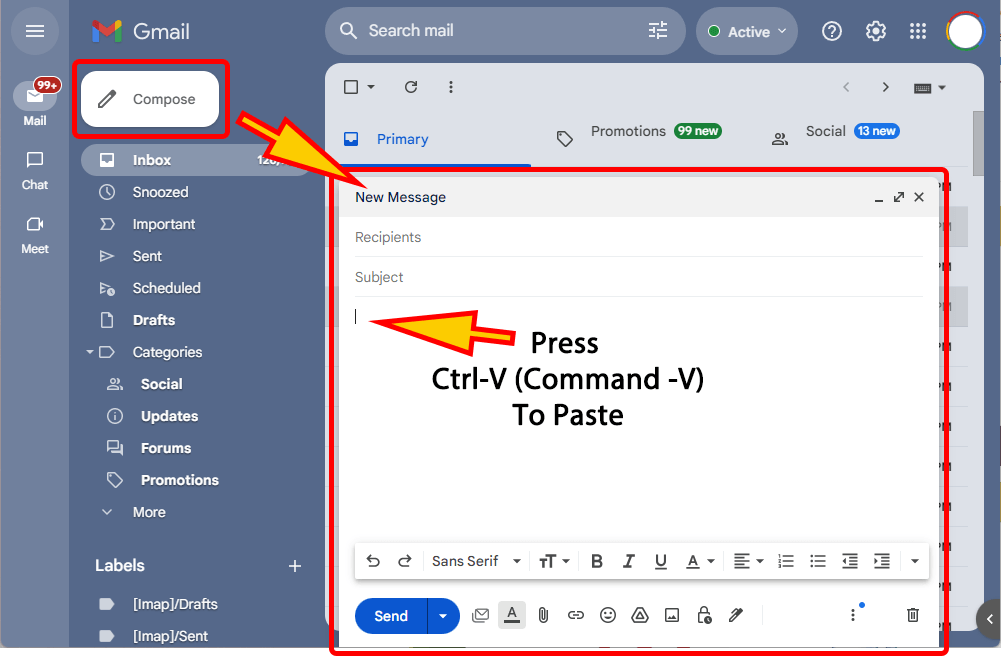
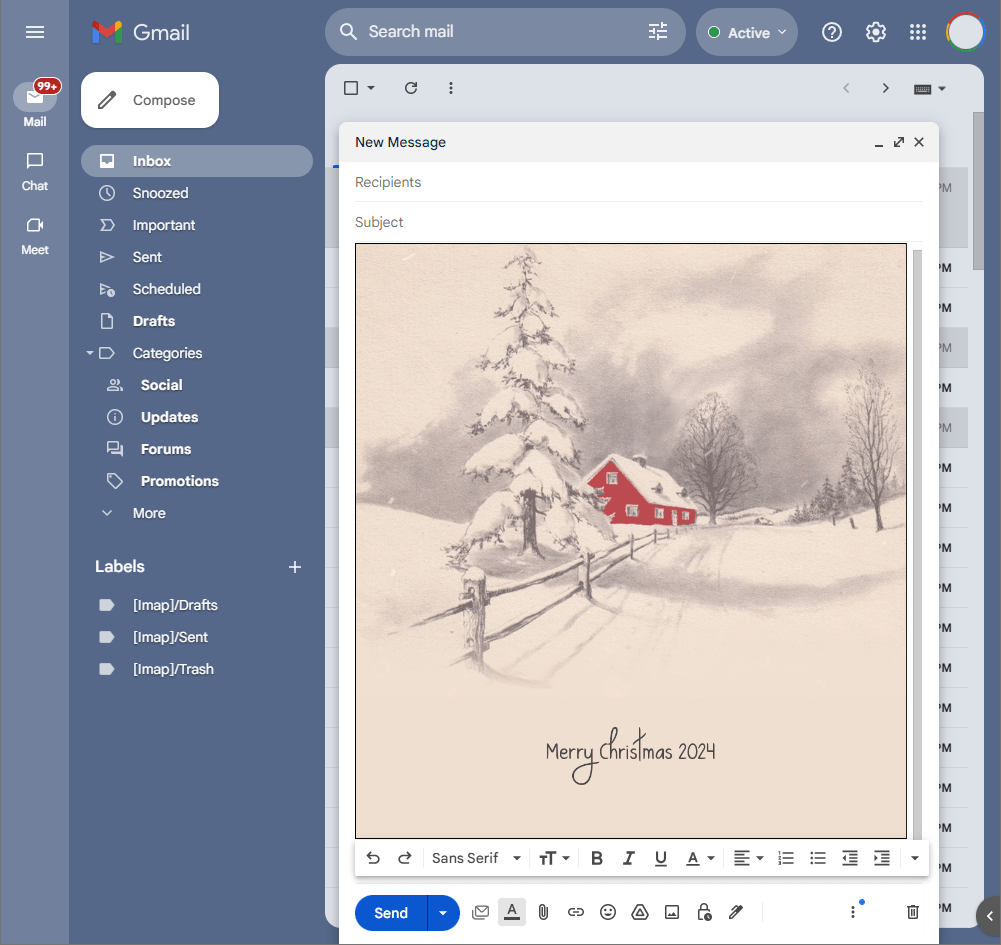
- Open a new message in Gmail, Outlook, Yahoo Mail, or another email service, then paste the completed email background into the message area.
Related Email Backgrounds

A gray bunny with blue eyes holds a large egg decorated with a pink bow, surrounded by butterflies and paint cans on a grassy field with flowers.

A wooden cross draped in purple cloth stands on a hill against a sunset sky with warm orange and dark silhouette tones.

An adorable Easter design with a fluffy white bunny, tiny yellow chick, soft yellow background, and purple bow.

A graceful Easter floral design with purple bellflowers, white blossoms, fresh green leaves, and soft lavender background.

Colorful Easter eggs hang from a white picket fence amid green grass and spring flowers.

Colorful Easter eggs and tulips rest on a white wooden surface, featuring vibrant spring colors and a simple illustration style.

A yellow basket with colorful eggs and a white daisy on a green hill, illustrated in a bright pastel cartoon style.
A colorful floral border with pink, purple, and yellow flowers and green leaves on a soft peach background in a simple cartoon style.

 . This option does not save a message to My History.