Many Thanks Email Background
Personalize This Email Background
 |
| Your text here |
 |
- Windows: press Win + .
- macOS: press Control + Command + Space
Fancy text is converted to a PNG when copied, so the selected font stays consistent in Gmail.
Personalize
Font Style
Font Color
Text Alignment
Text Direction
About the Many Thanks! Email Background
Many Thanks Email Background A large purple and orange flower sits above the words many Thanks, hand-lettered in blue, green and orange across a white card, with a strip of grass and small blooms along the bottom.
Use this design for thank-you notes and messages of sincere appreciation. Write a personal message, choose a fitting font and color, and adjust the size and alignment as needed. After personalizing this free email stationery, copy the completed background into Gmail, Outlook, or Yahoo Mail.
How to Use This Thank You Email Background in Gmail and Outlook
- Personalize the design with your message, font, color, size, and alignment.
- Select Copy to Clipboard & Compose when your message is ready.
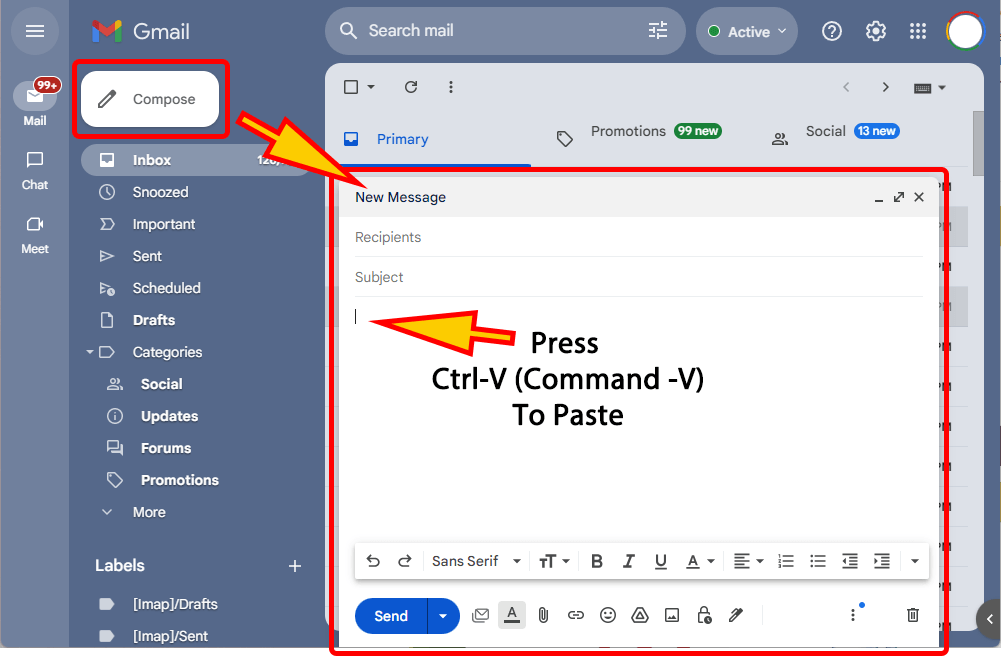
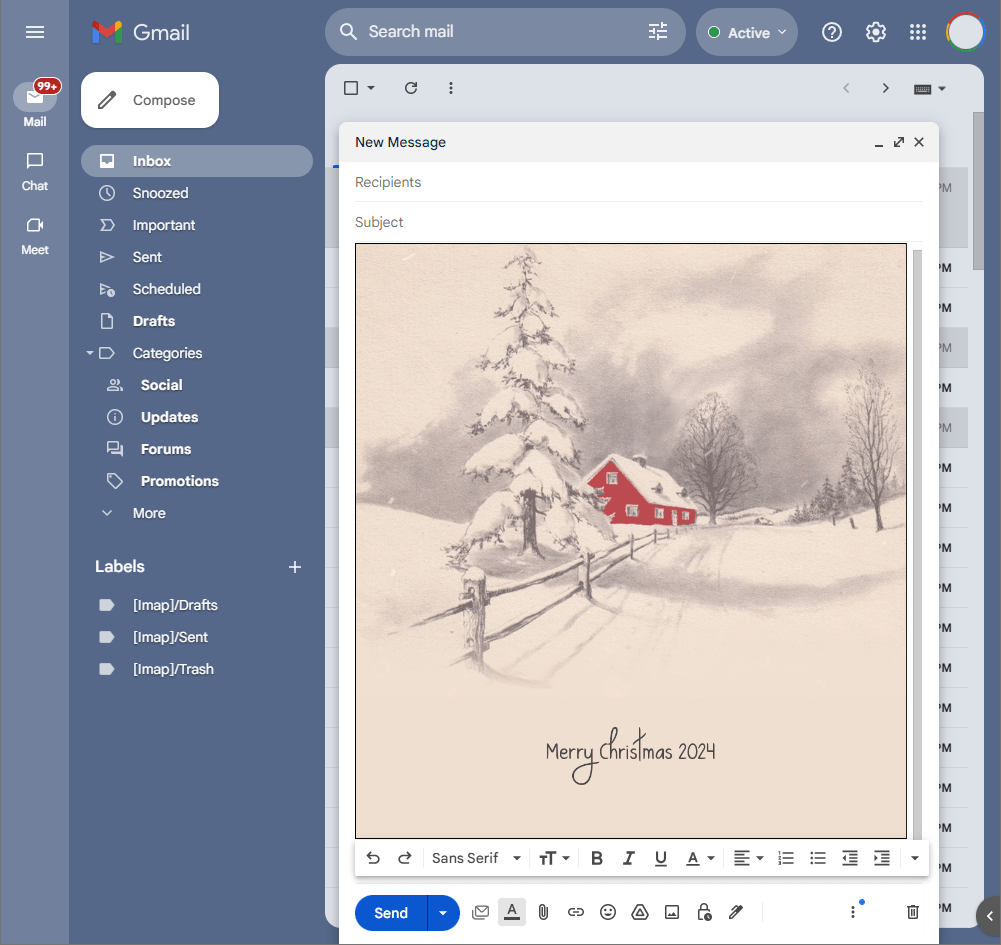
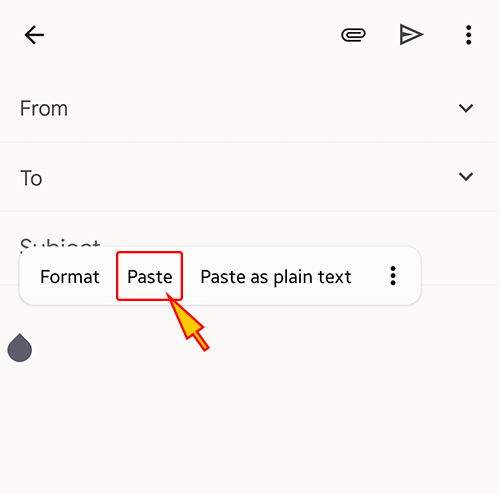
- Open a new message in Gmail, Outlook, Yahoo Mail, or another email service, then paste the completed email background into the message area.
Related Email Backgrounds



Two cartoon cats, one wearing a green shamrock hat and the other with a pink bow, sit on a light blue background with white sparkles.

An animated thank-you design with a smiling character, raised thumb, bright orange background, and cheerful lettering.



A cheerful thank-you design with green vine swirls, orange flowers, and bright lettering on soft cream.

A handwritten thank you note with a red heart on white paper against a textured green background. The illustration style is simple and heartfelt.
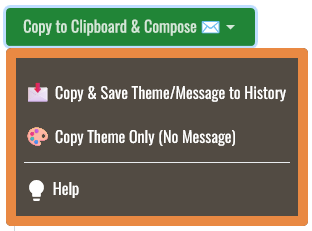

 . This option does not save a message to My History.