White Umbrella on Beach Email Background
Personalize This Email Background
 |
| Your text here |
 |
- Windows: press Win + .
- macOS: press Control + Command + Space
Fancy text is converted to a PNG when copied, so the selected font stays consistent in Gmail.
Personalize
Font Style
Font Color
Text Alignment
Text Direction
About the White Umbrella on Beach Email Background
White Umbrella on Beach Email Background gives your message a peaceful seaside setting with a white umbrella casting shade across bright sand beside calm blue ocean.
Use this design for summer greetings, vacation notes, invitations, and sunny announcements. Personalize this free email stationery with your own message, then adjust the font, color, size, and alignment to complement the artwork. When it is ready, copy and paste the finished background into Gmail, Outlook, or Yahoo Mail.
How to Use This Summer Email Background in Gmail and Outlook
- Personalize the design with your message, font, color, size, and alignment.
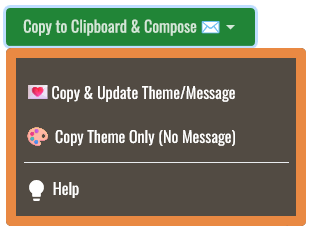
- Select Copy to Clipboard & Compose when your message is ready.
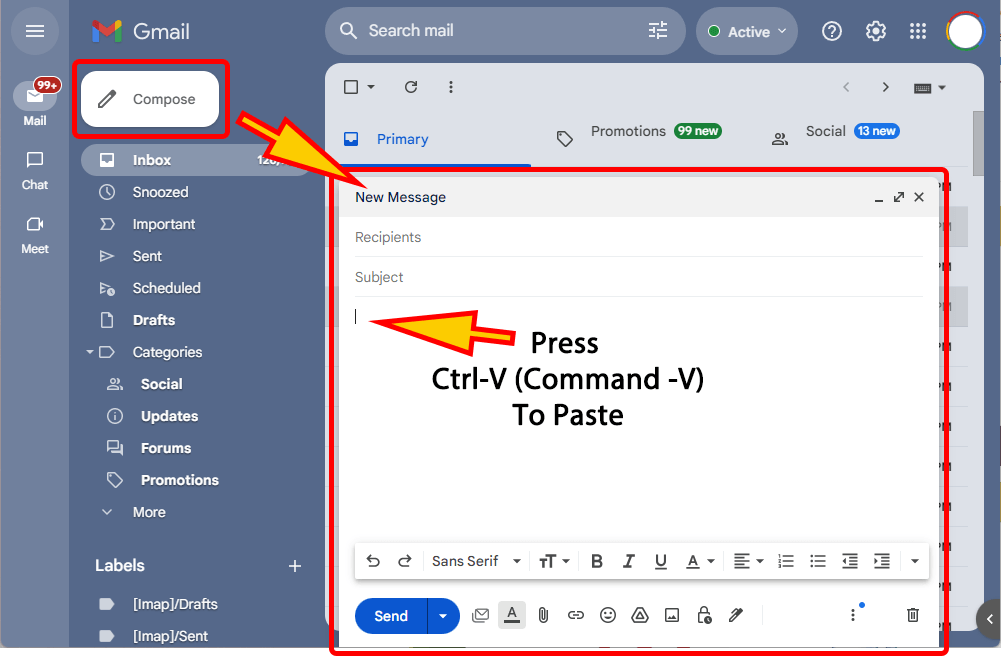
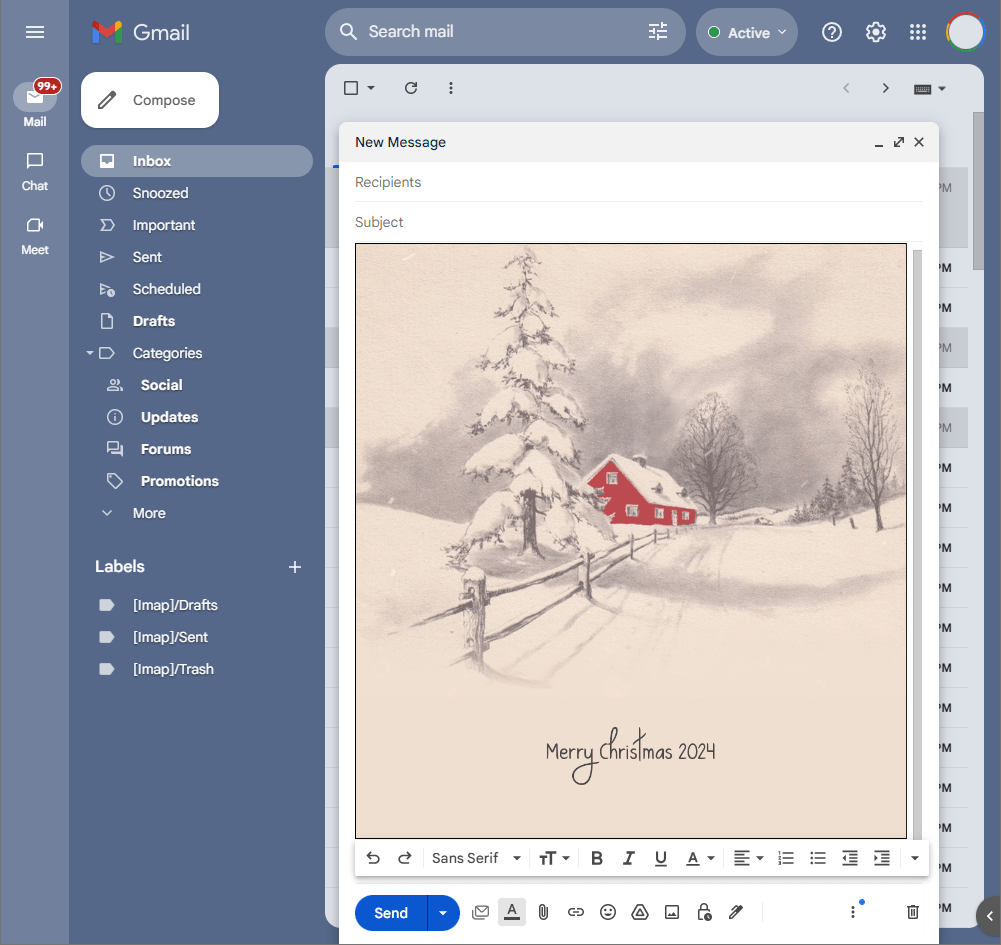
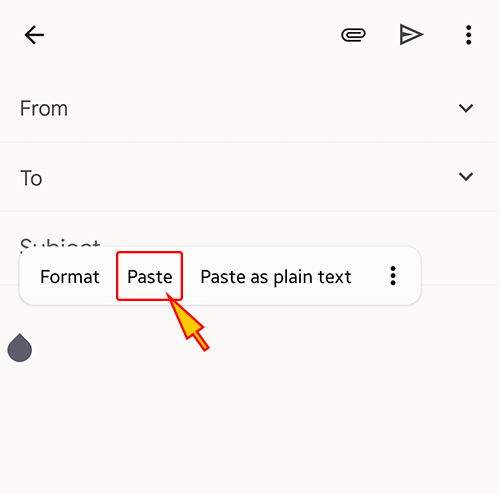
- Open a new message in Gmail, Outlook, Yahoo Mail, or another email service, then paste the completed email background into the message area.
Related Email Backgrounds

Golden grasses sway in front of a stormy sky with dramatic clouds and warm, golden lighting.

Two white hammocks hang from a palm tree over turquoise water under a bright blue sky.

Yellow tulips and a red birdhouse sit on a green hill under a blue sky with floating yellow petals.

A cozy beach house with palm trees, a boat, and flowers on a green island against a light blue sky and ocean.

A coconut shell drink with orange slice, berries, and umbrella against a bright turquoise background.

A summer fruit garland with green leaves, red berries, and purple grapes on a light green background.

A coconut drink with straws, red sunglasses, and a starfish on sand under a blue sky with white clouds.

A coconut palm tree with green fronds stretches over a bright blue sky filled with white clouds.

 . This option does not save a message to My History.