Free beautiful HTML email backgrounds, stationery, themes & templates to use in your email messages.
Make every email unforgettable with stunning HTML email backgrounds that instantly impress your recipients.
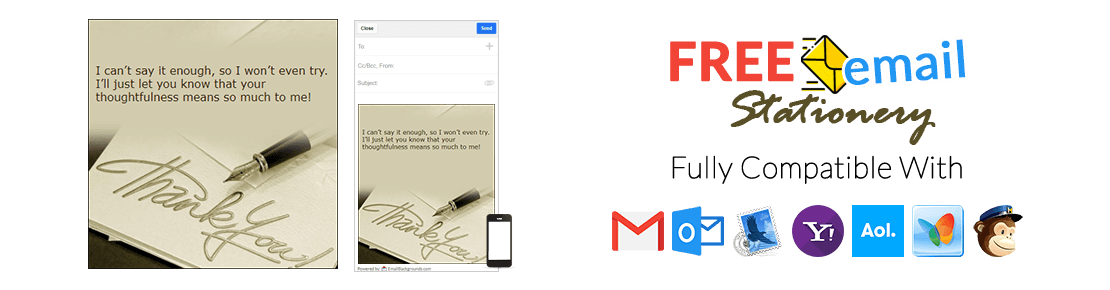
EmailBackgrounds.com is your go-to destination for beautifully designed email backgrounds, email stationery, and email themes for every season, occasion, and celebration. From holidays and special events to everyday messages, our collection includes hundreds of stylish, cute, and professional templates you can use anytime.
All templates are fully compatible with Gmail, Yahoo Mail, Outlook, Hotmail, AOL, Windows Mail, Mac Mail, and most popular webmail clients — no technical skills required.
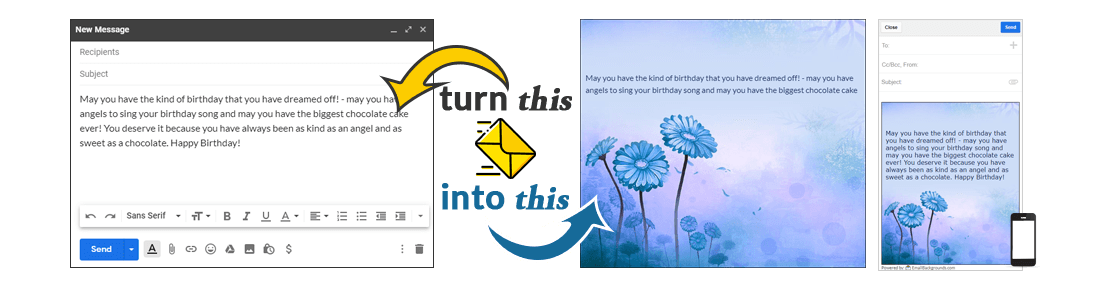
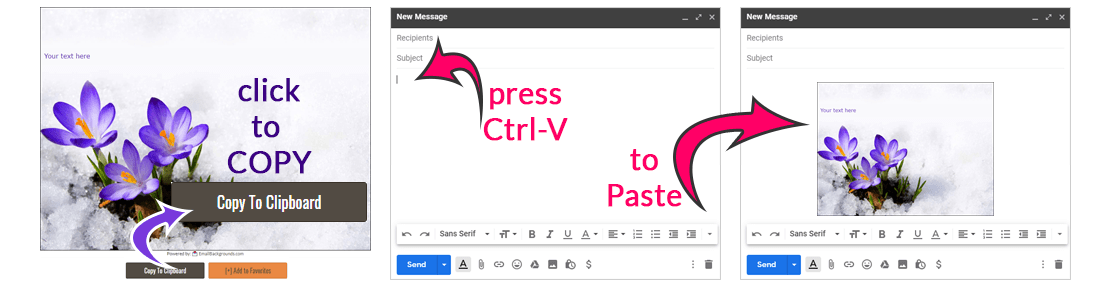
With our app, creating a personalized greeting has never been easier. Simply choose a design, type your message directly onto the background, add emojis, and customize font style, color, or size in real time. It’s the fastest way to send a meaningful, eye-catching email for any special day.
Create Anywhere, On Any Device
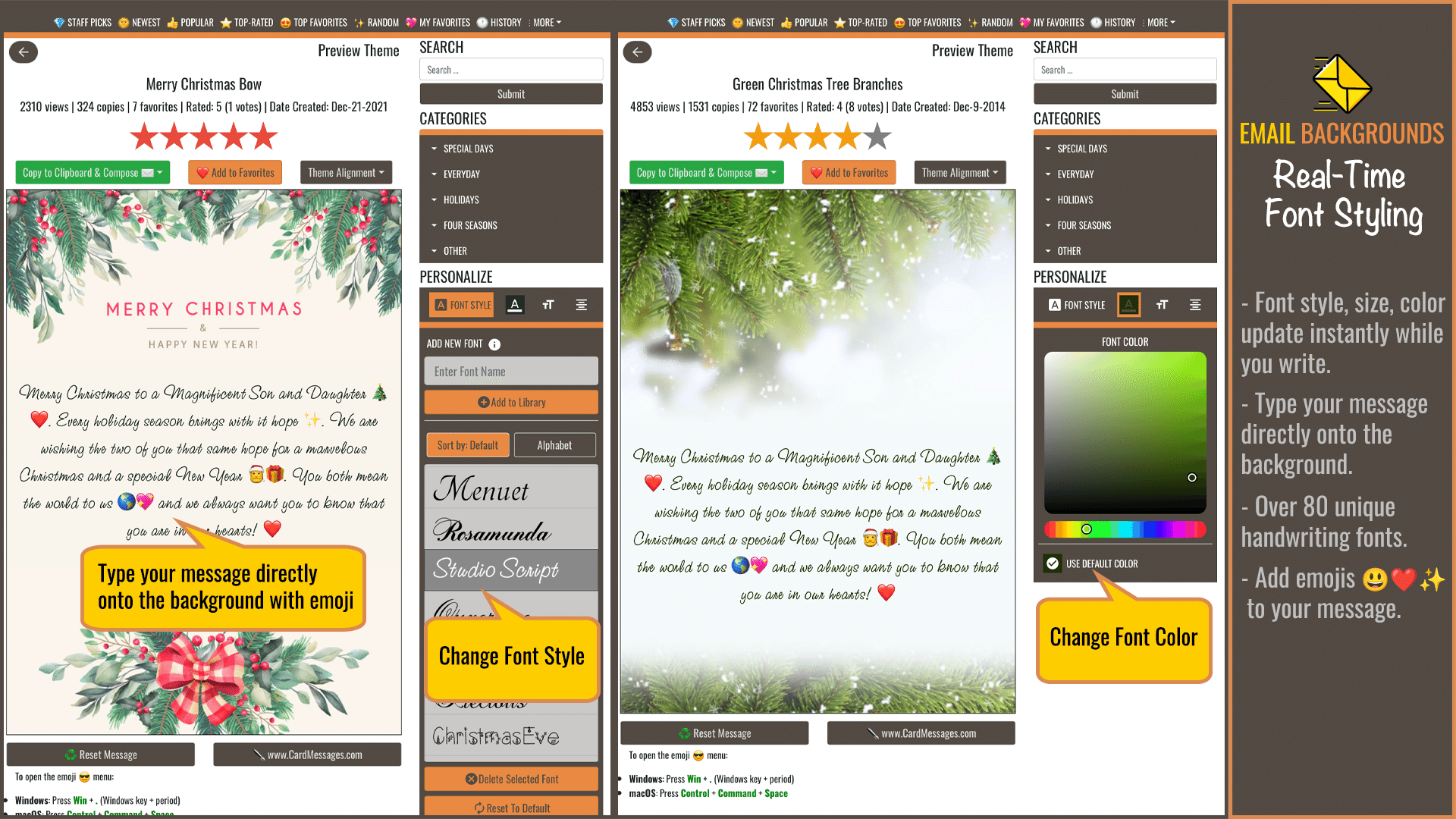
Download Email Backgrounds & Stationery app on your desktop (Windows, macOS, ChromeOS) or mobile devices (Android, iOS, iPad, and tablets). Write directly on the background, add emojis, adjust fonts, colors, and sizes instantly — all as you type.



Staff Picks












Special Days




Everyday





Holidays










Four Seasons




Other




Maybe you are just a person who likes detail or maybe you are the type of person who likes to ensure all of your emails have a theme. Whatever the reason you should take a look at some of the great email backgrounds that we have to offer.
You can send thank you emails for a flower arrangement or present, you can create email invitations to your 4th of July picnic with the 4th of July background. It is a wonderful way to send informal letters and invitations quickly and for free.